
1. Navigate to https://shiptte.com/quotes
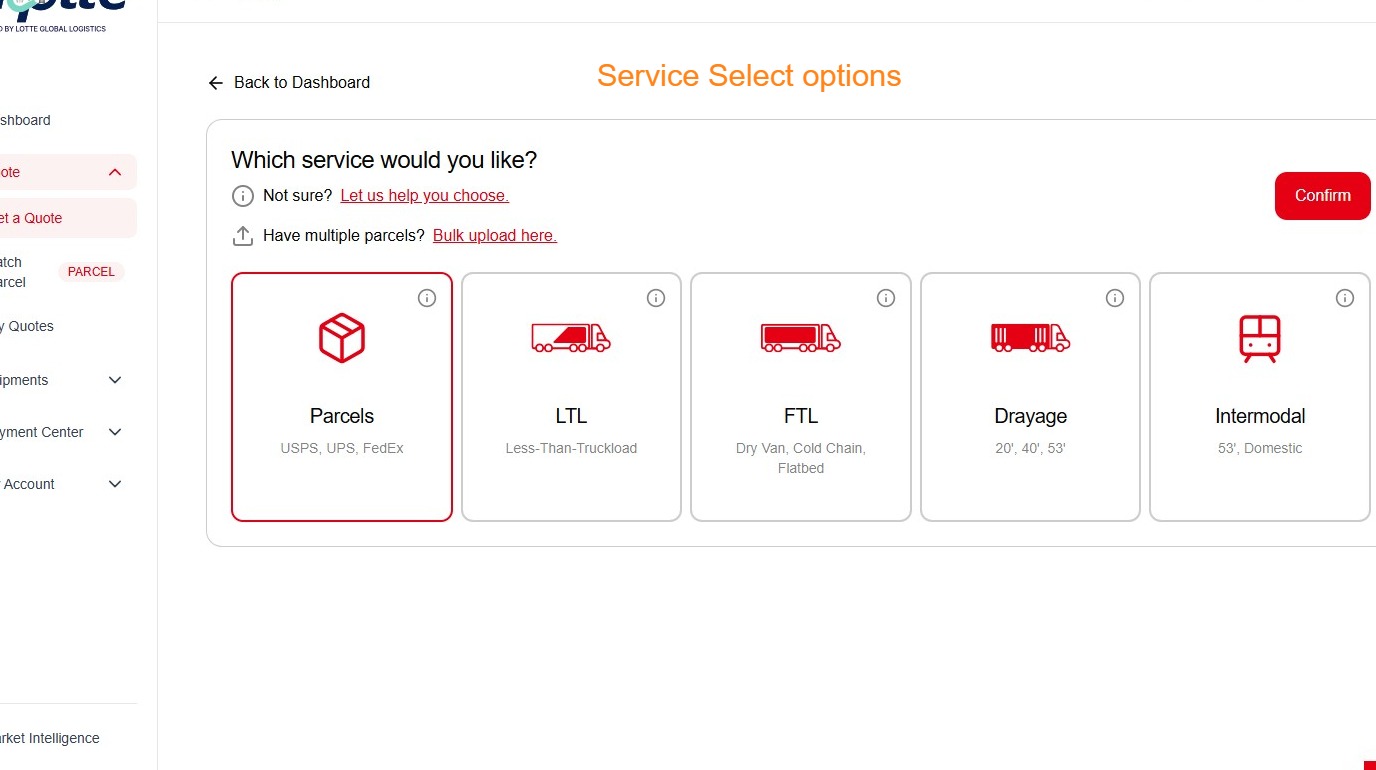
2. Click "ParcelsUSPS, UPS, FedEx"
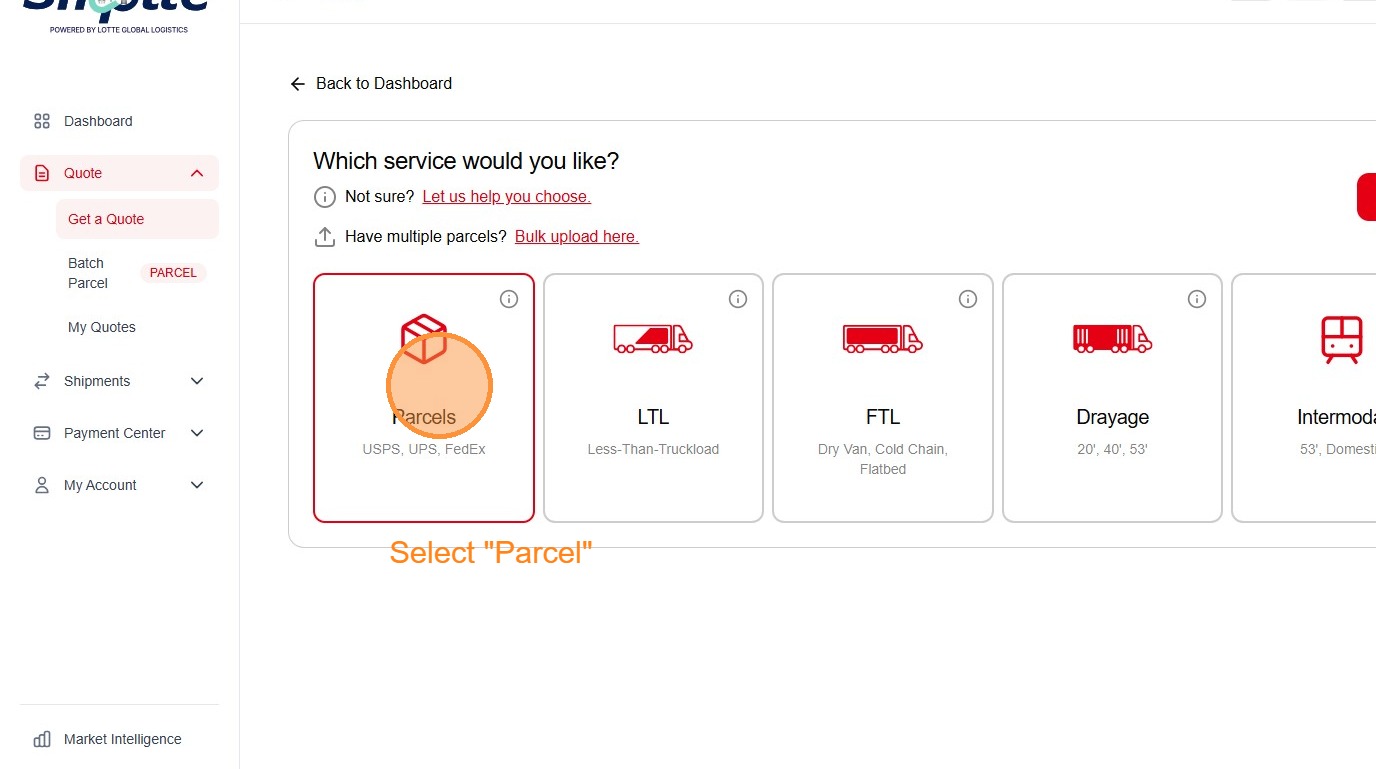
3. Click "Confirm"
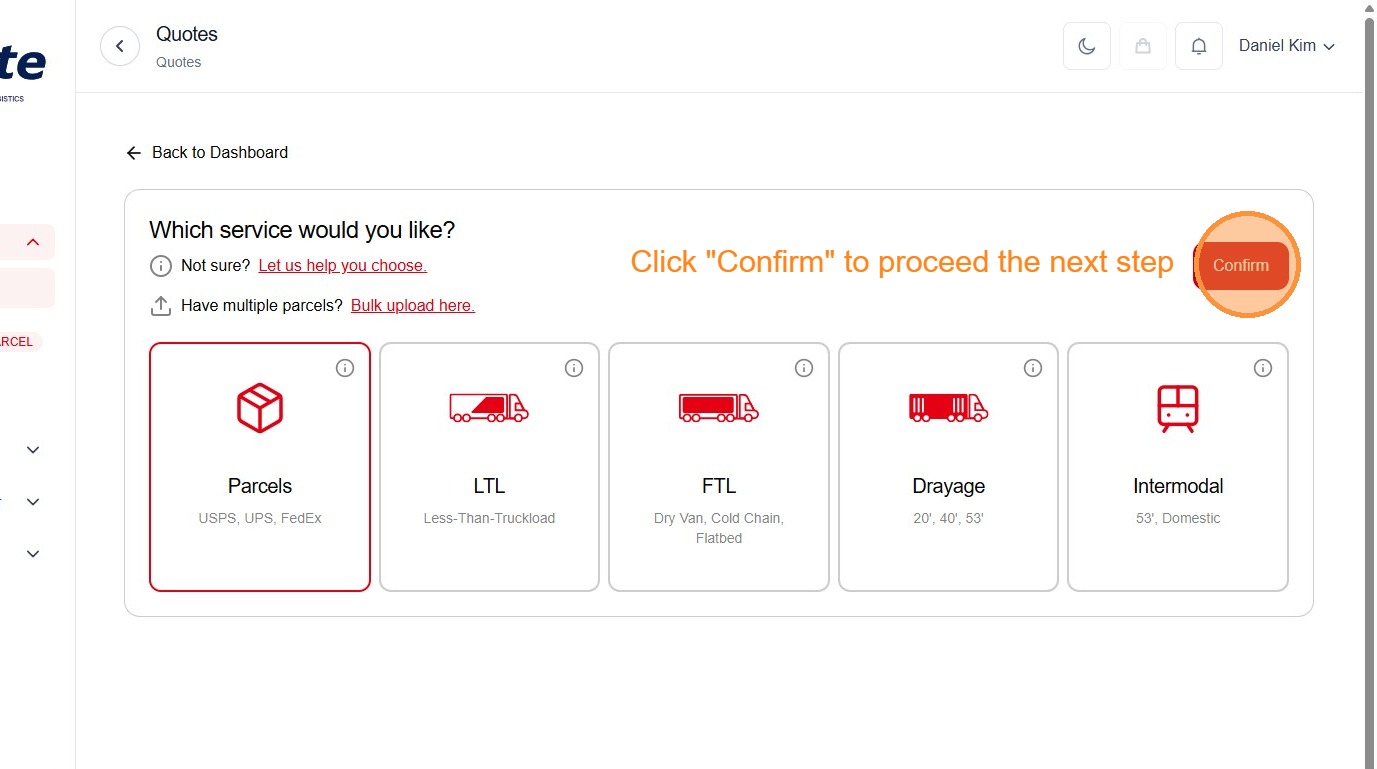
4. Click "Close"
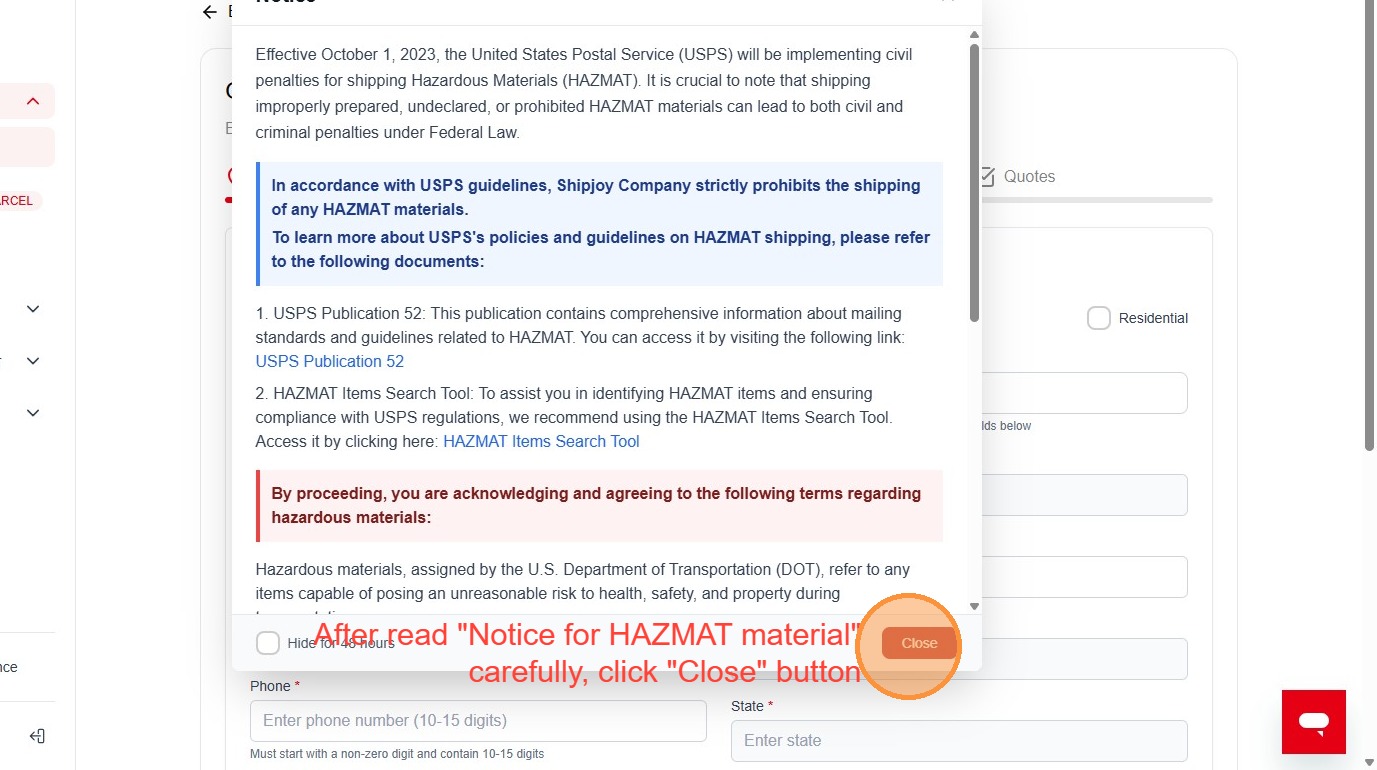
5. Click the "Enter first name" field.
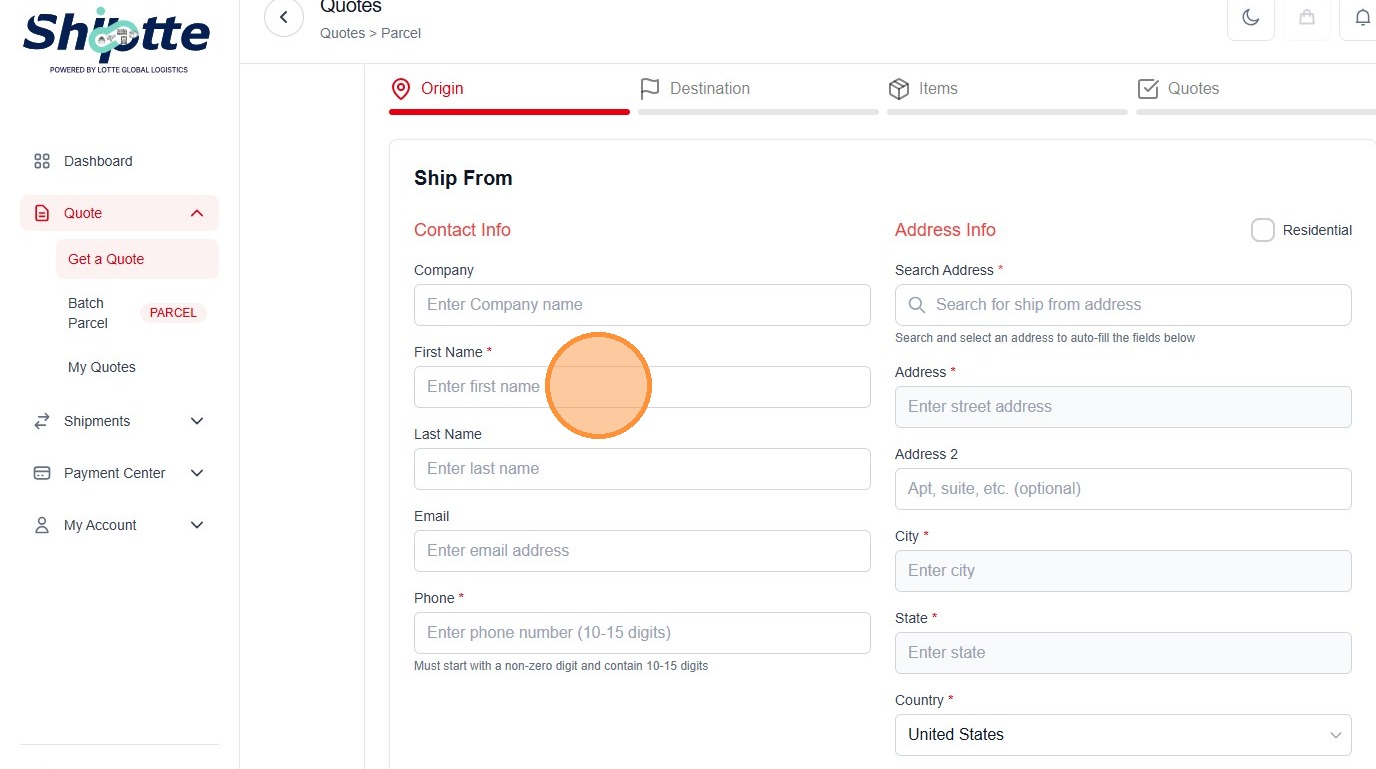
6. Type "Daniel"
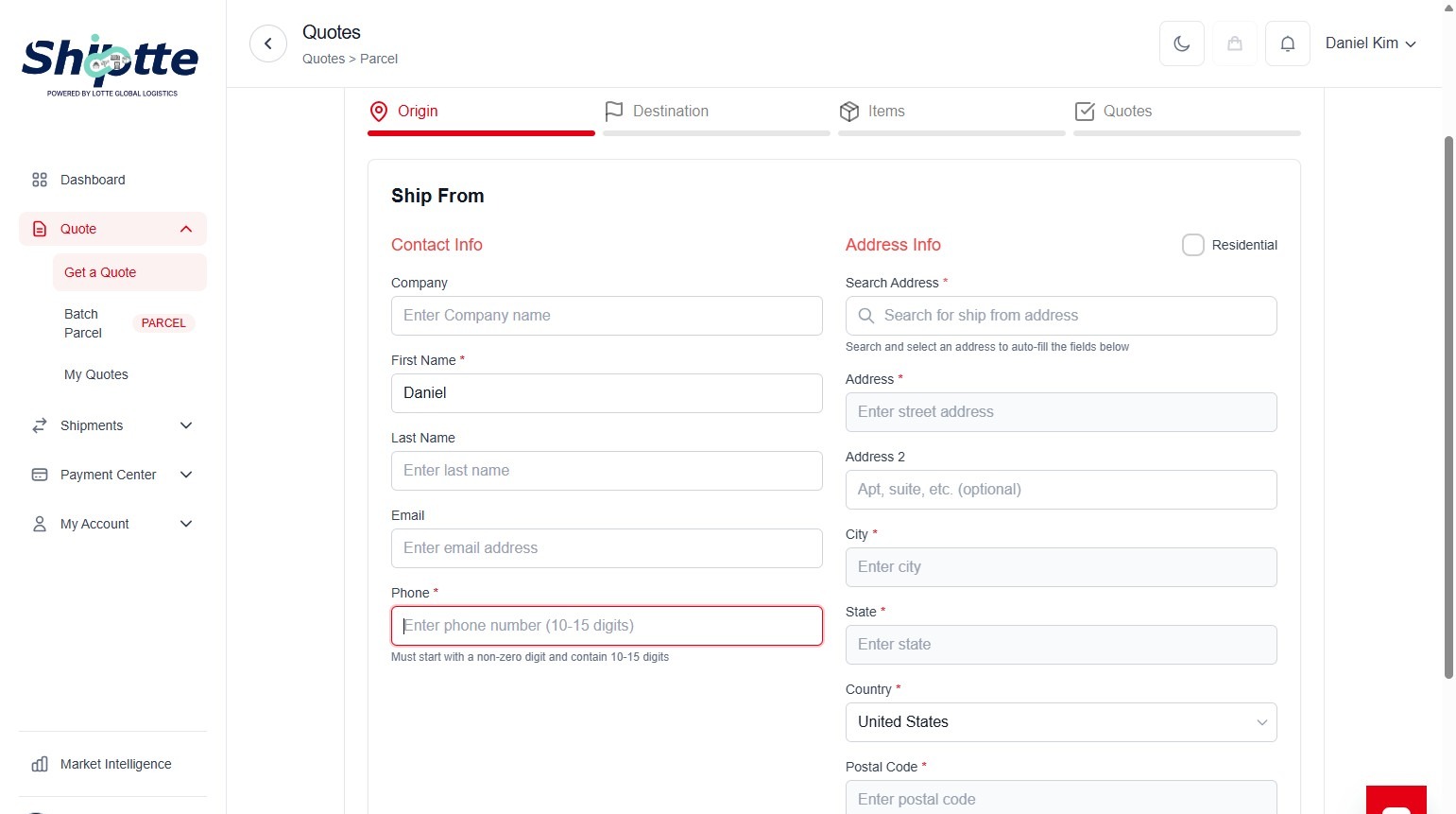
7. Click the "Enter phone number (10-15 digits)" field.
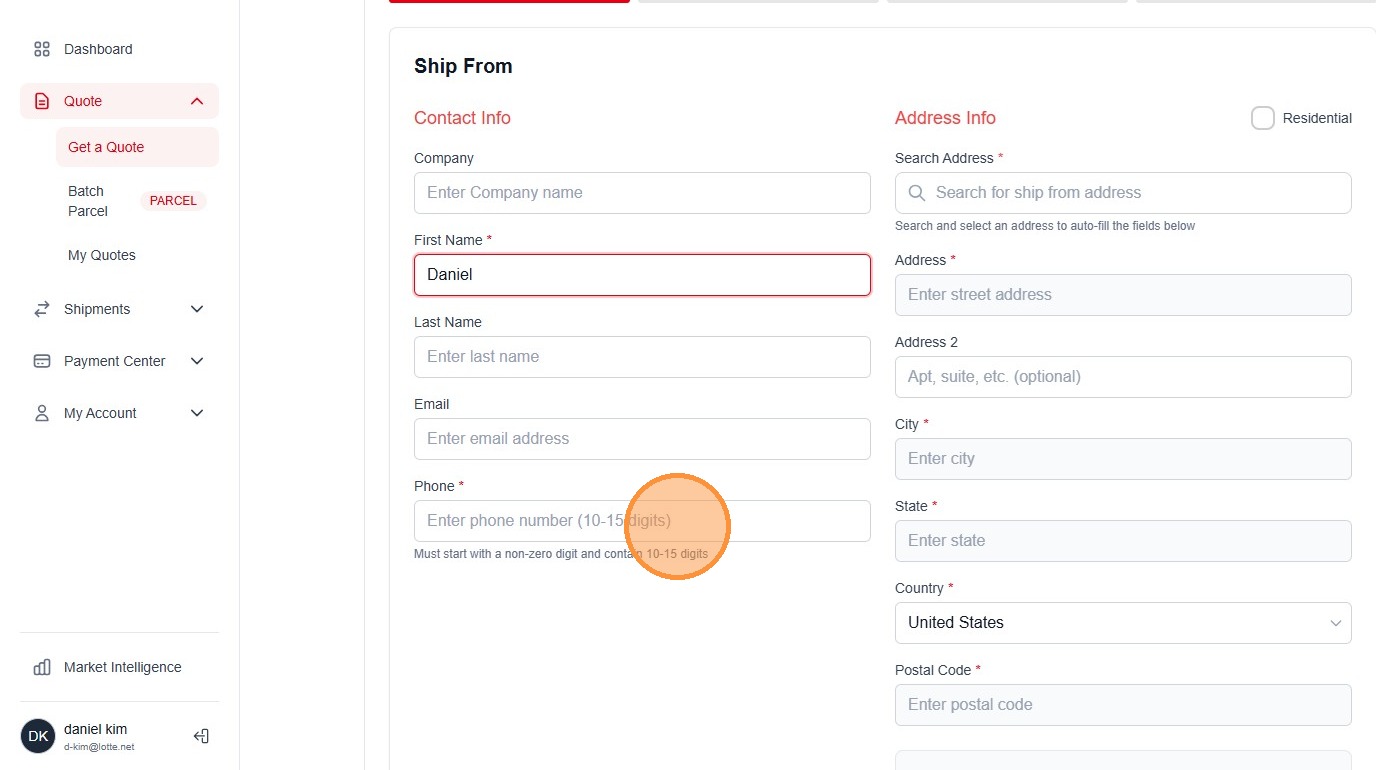
8. Type "1234567890"
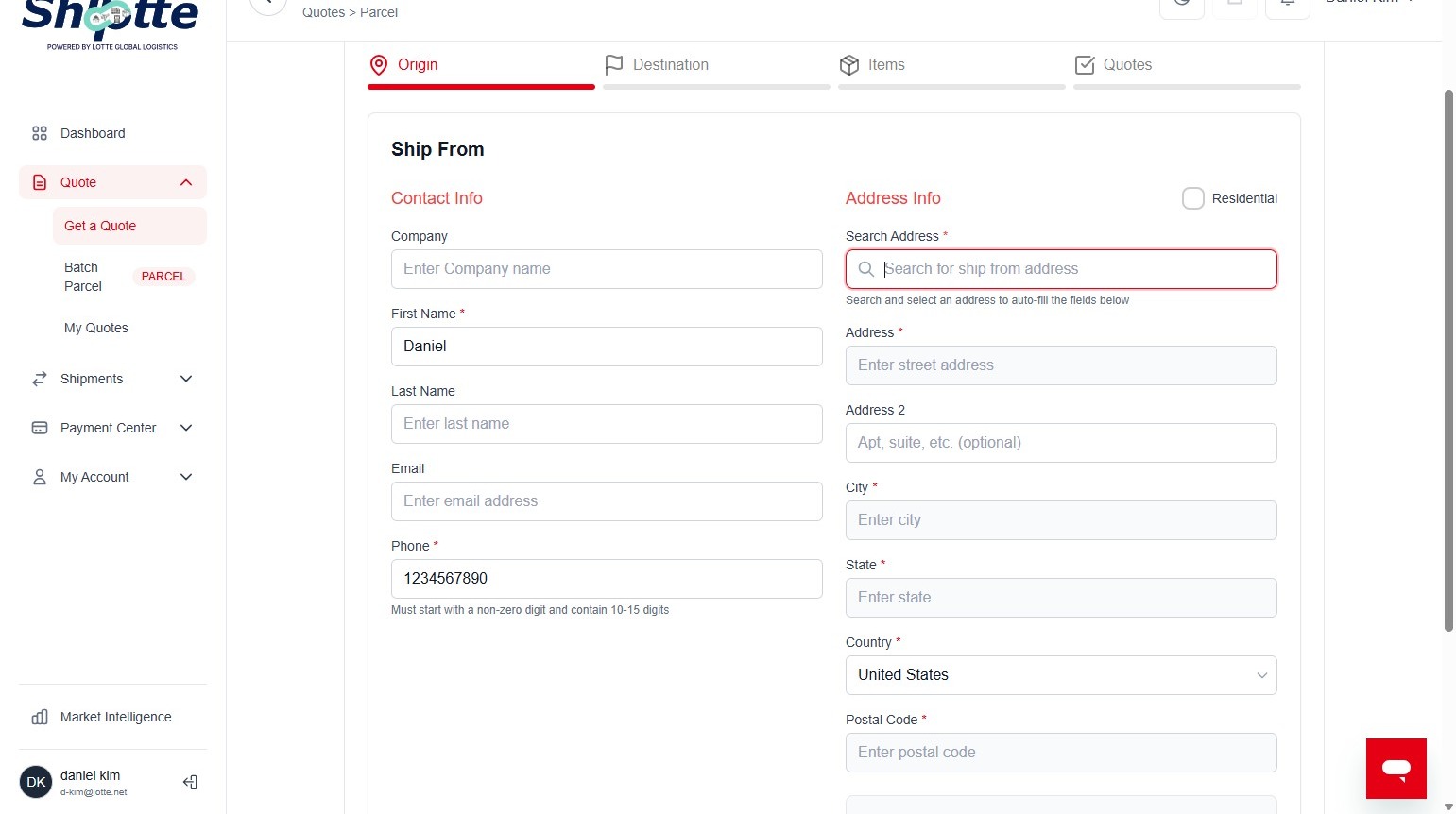
9. Click the "Search for ship from address" field.
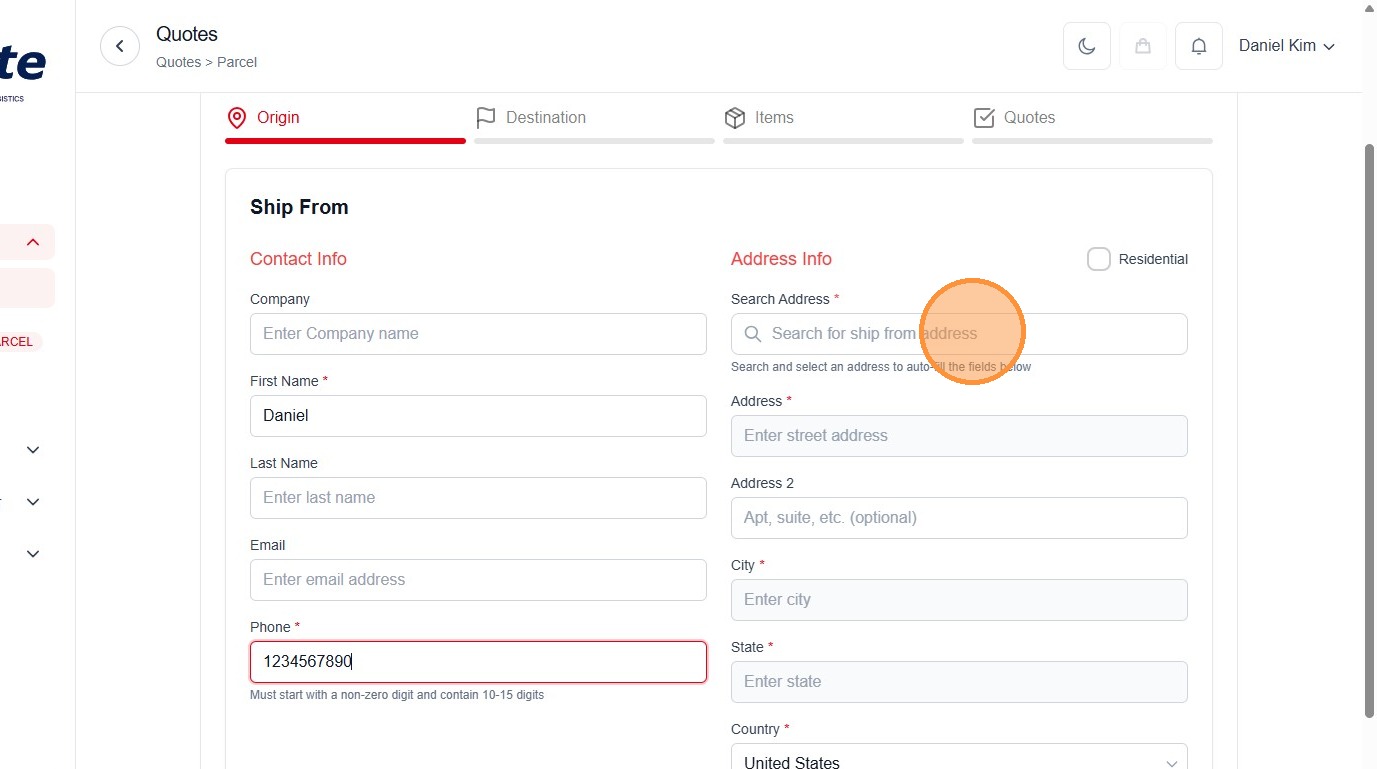
10. Type "221 Western blvd."
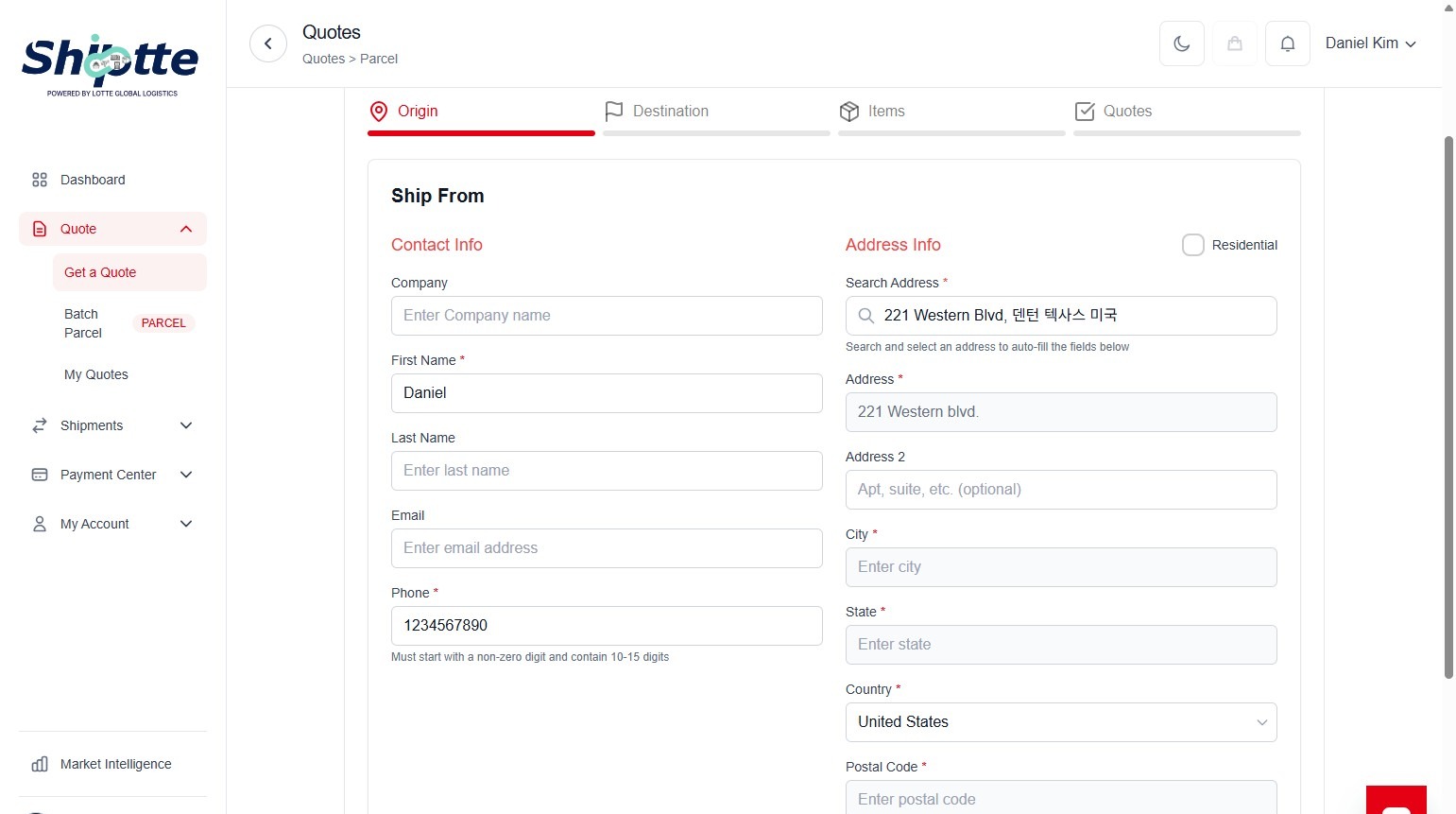
11. Click "덴턴 텍사스 미국"
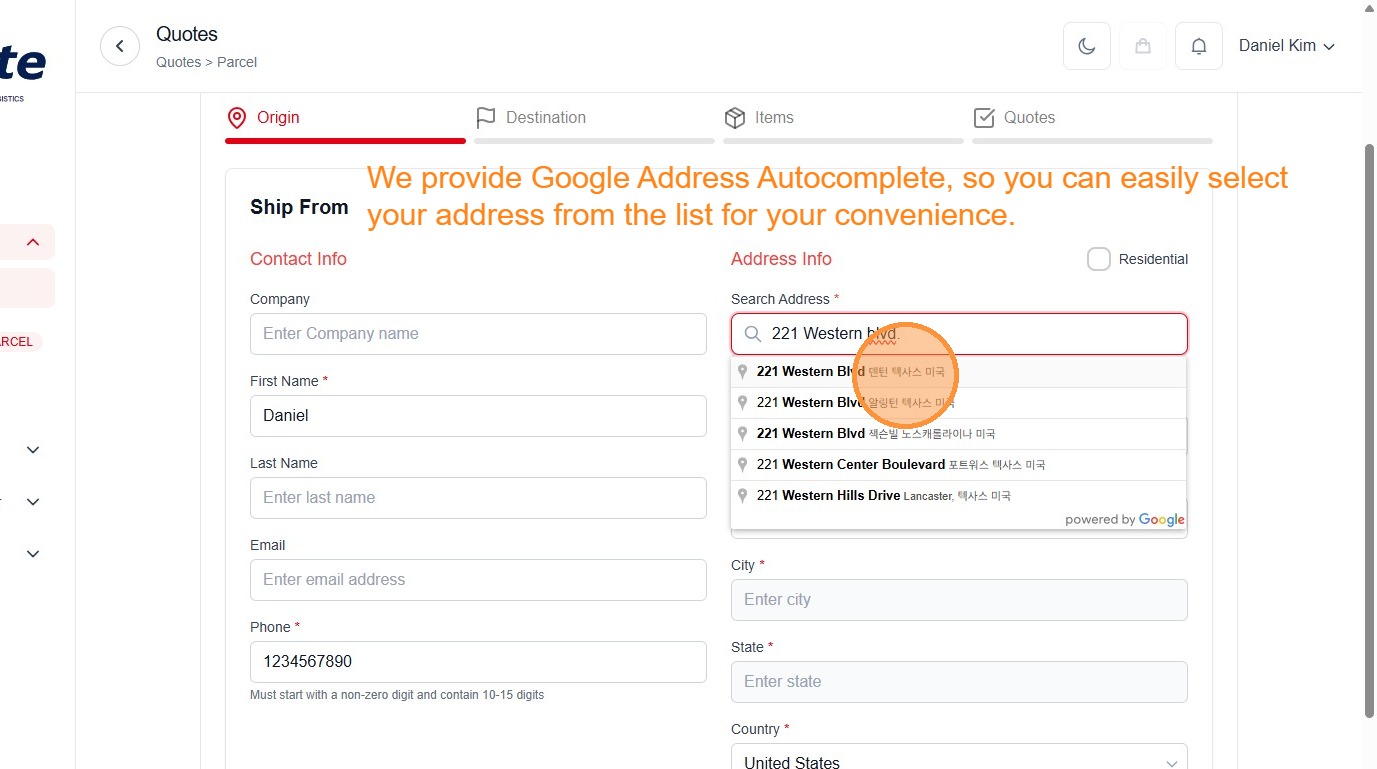
12. Click "Verify Address"
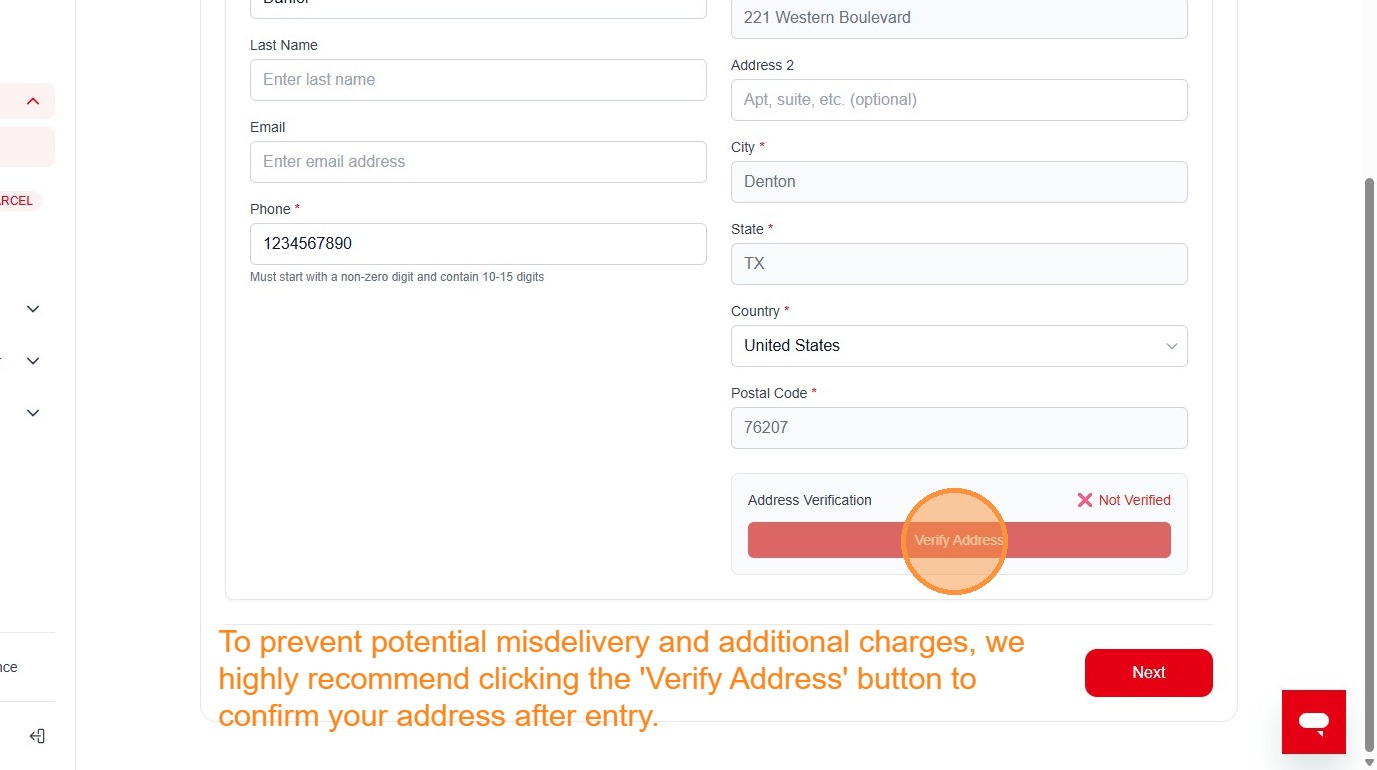
13. Click "Use Suggested"
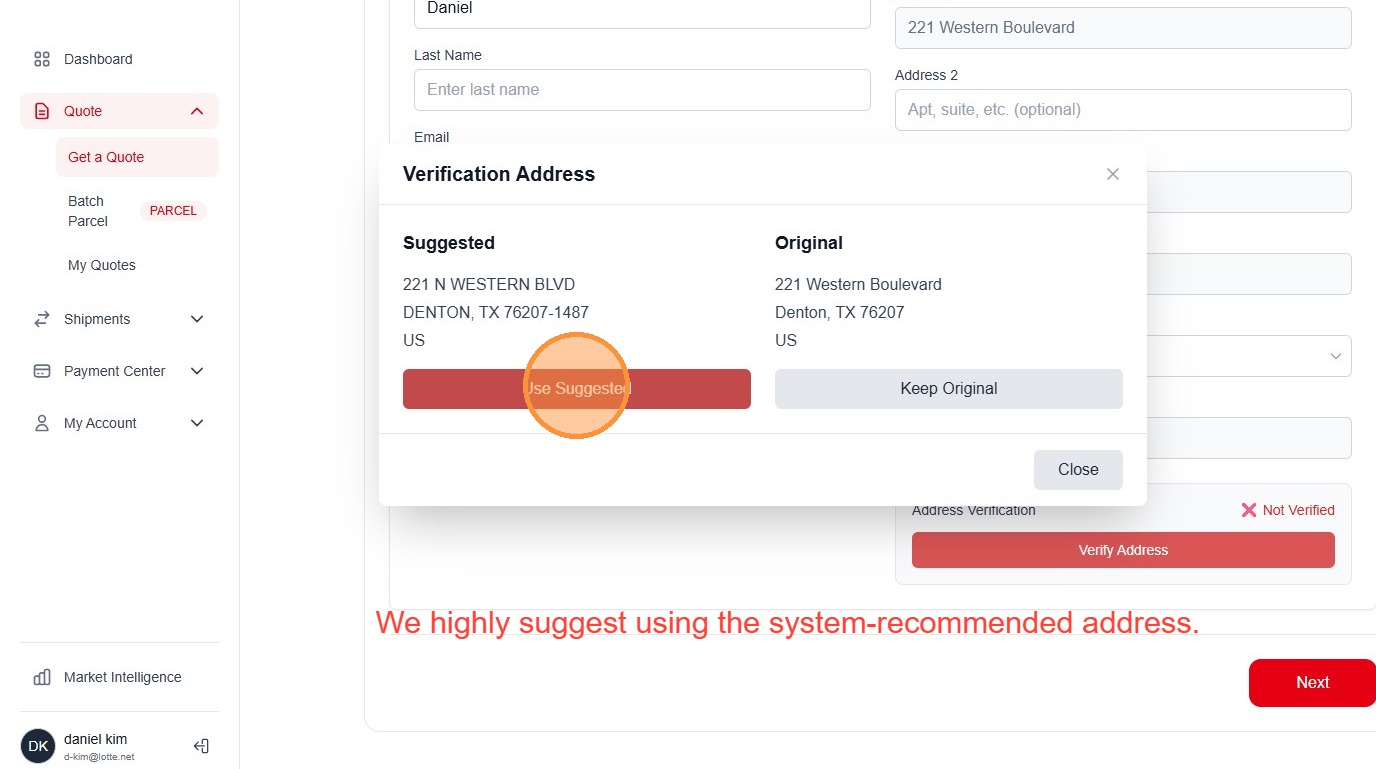
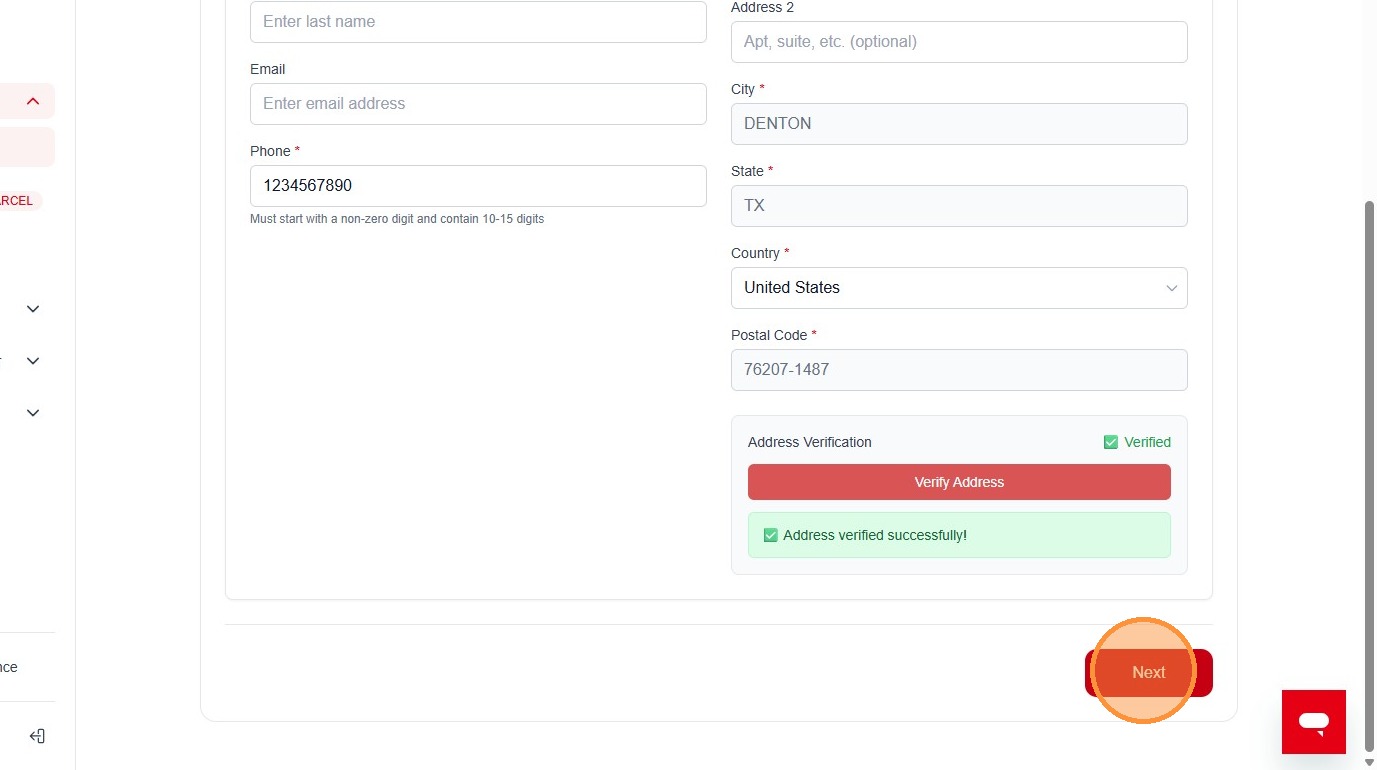
14. Click "Next"
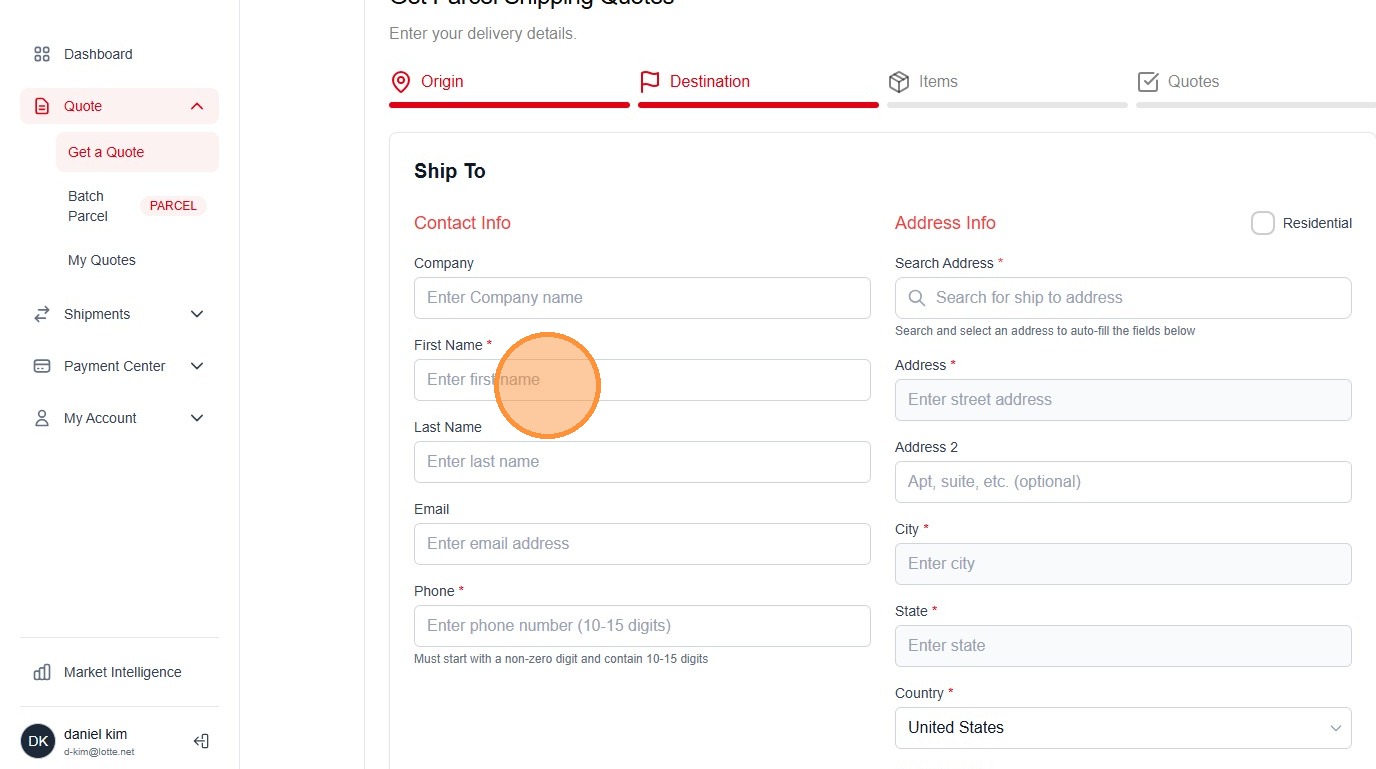
15. Click the "Enter first name" field.
16. Type "Jason"
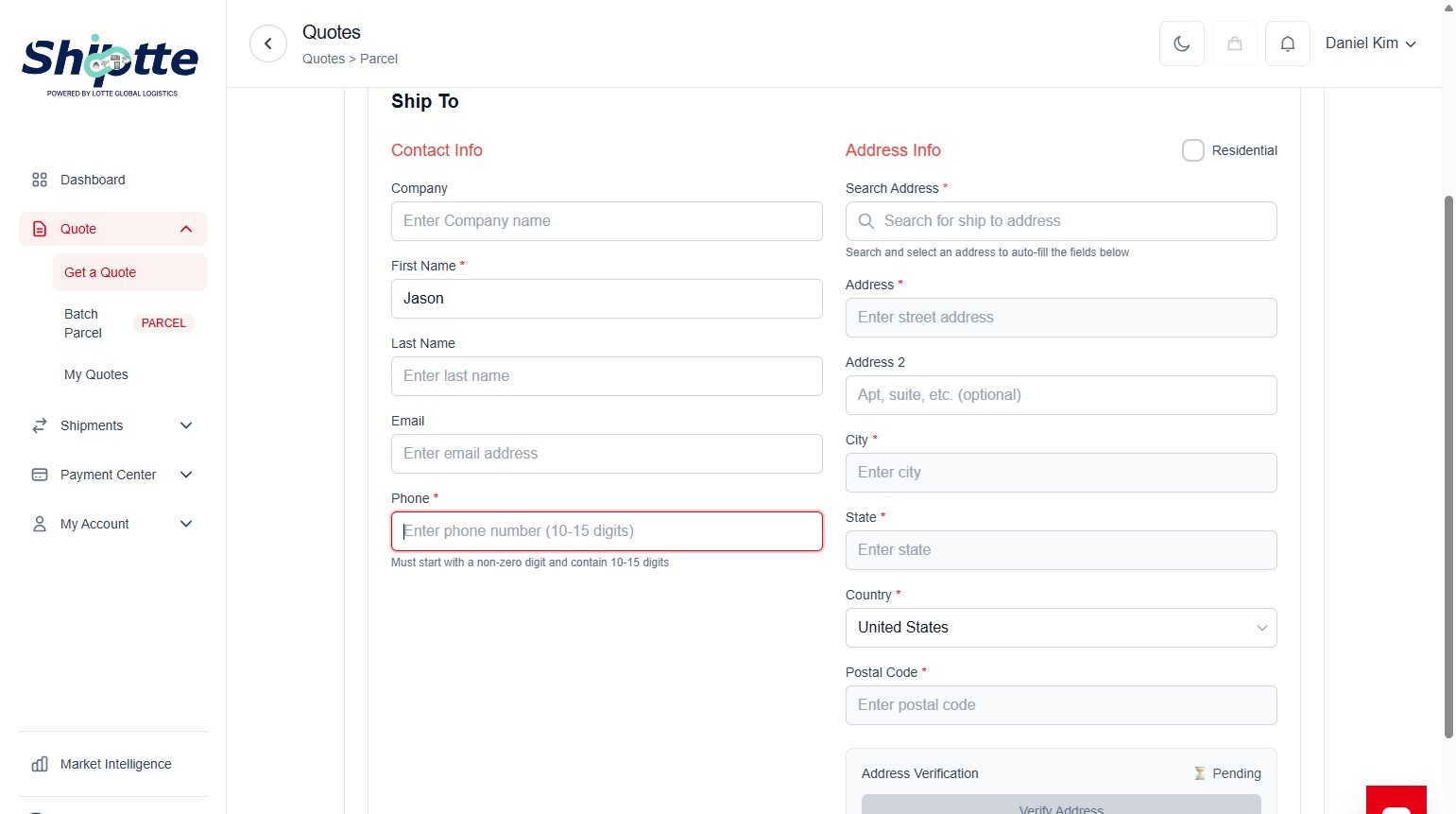
17. Click the "Enter phone number (10-15 digits)" field.
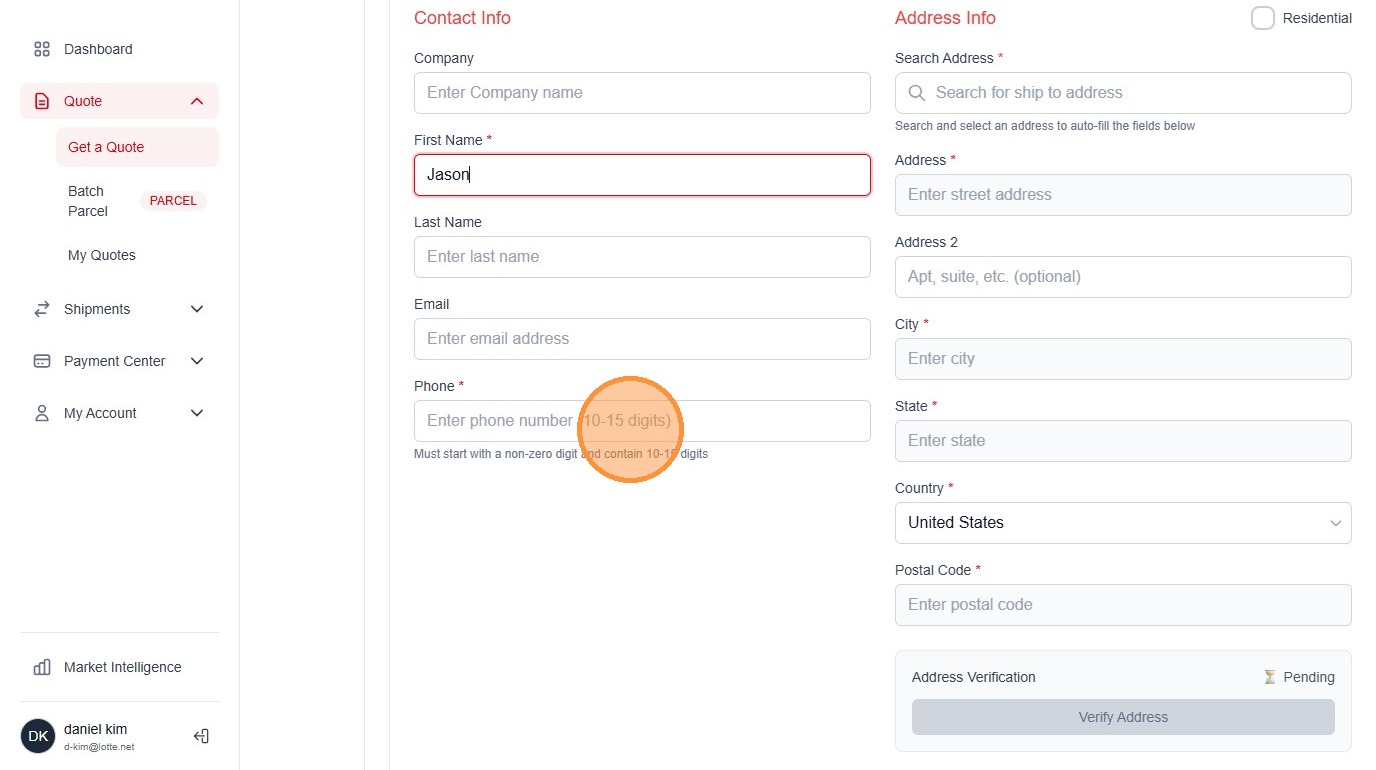
18. Type "1234567890"
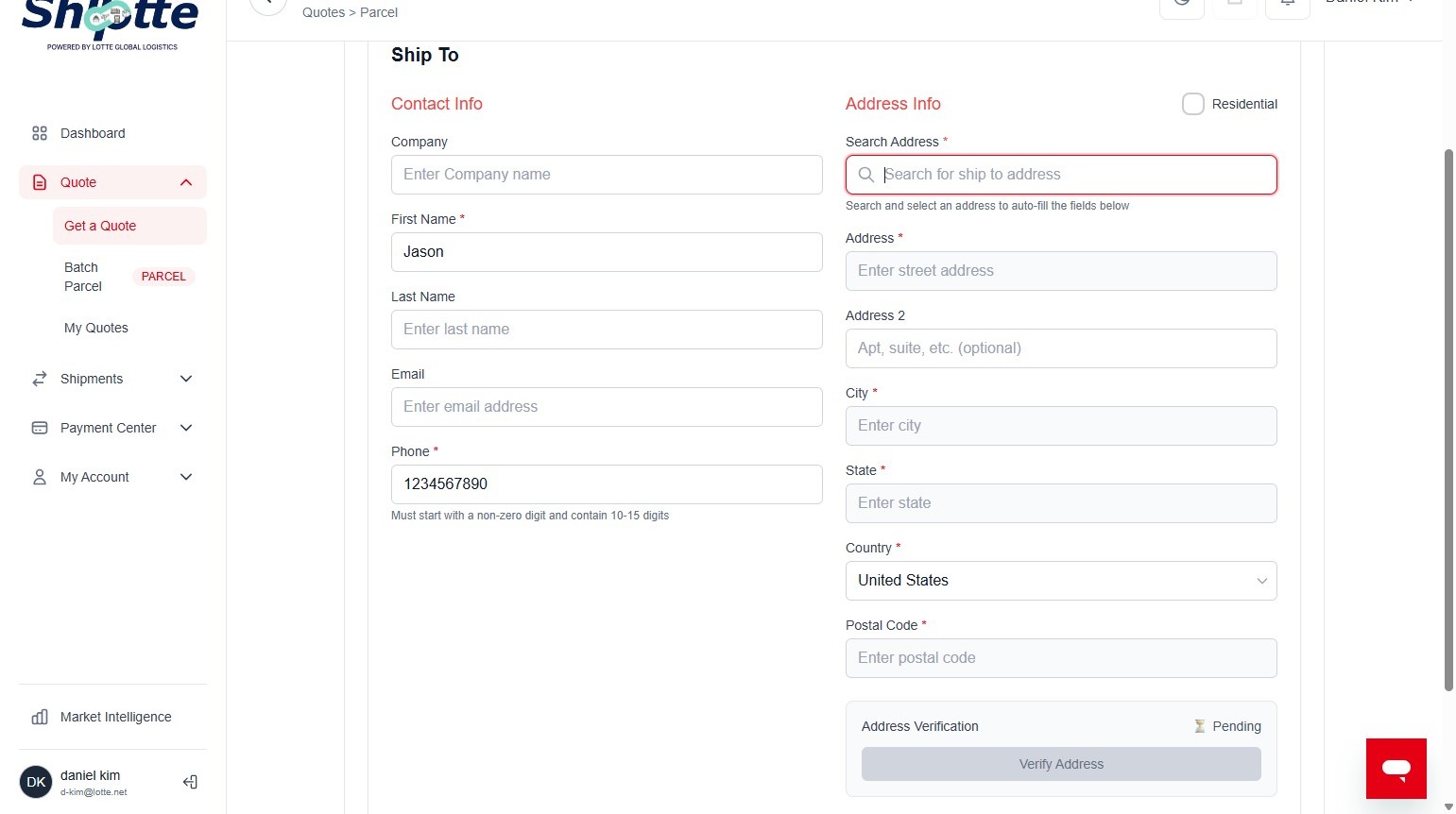
19. Click the "Search for ship to address" field.
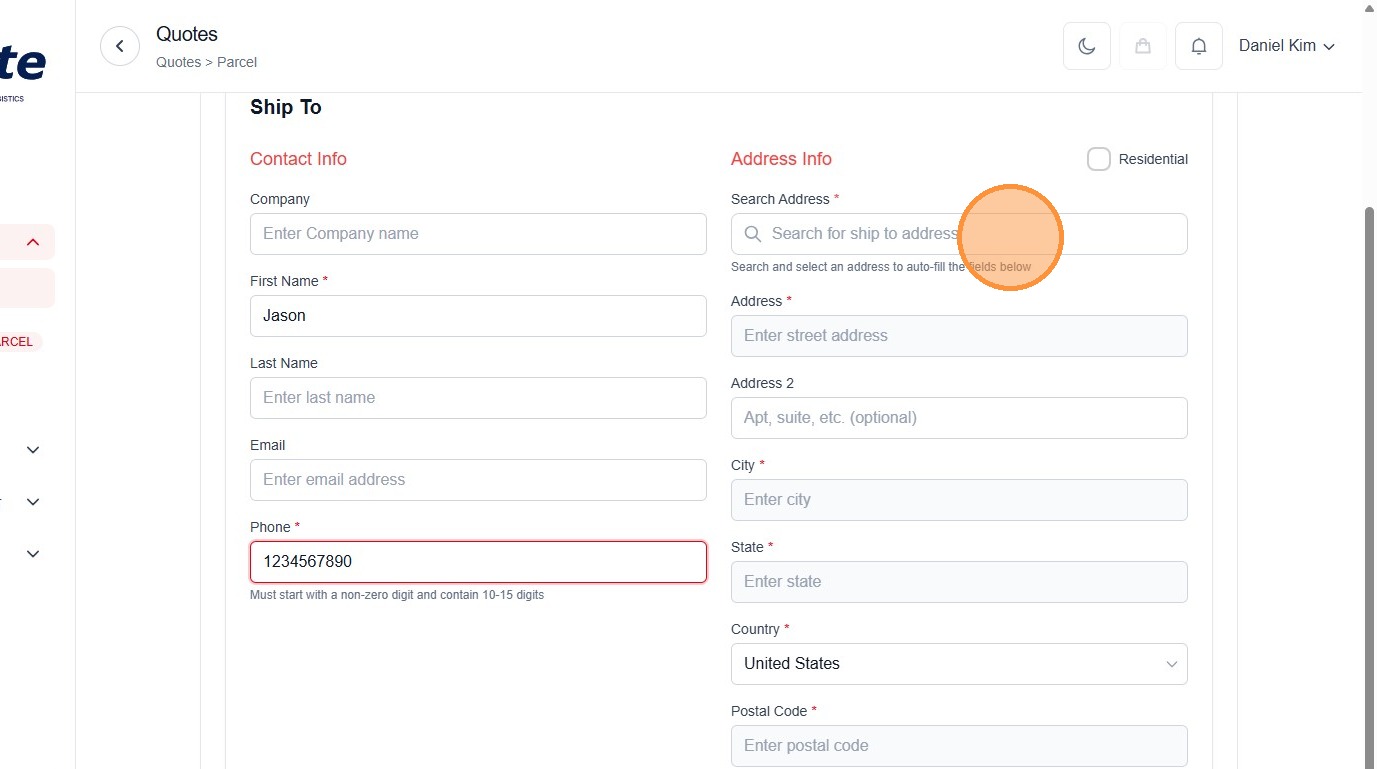
20. Type "901 Nicholas D."
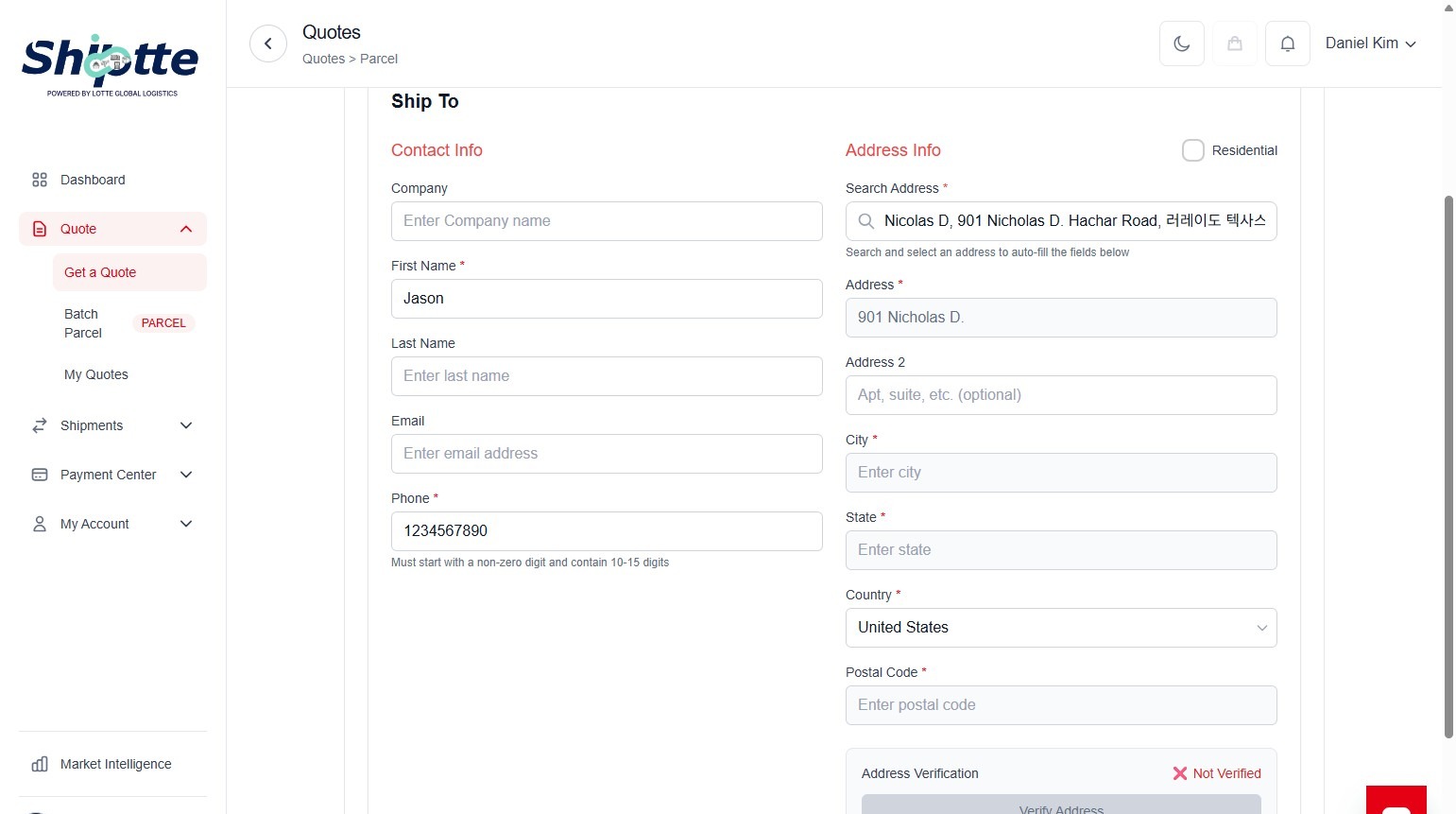
21. Click "Nicholas D"
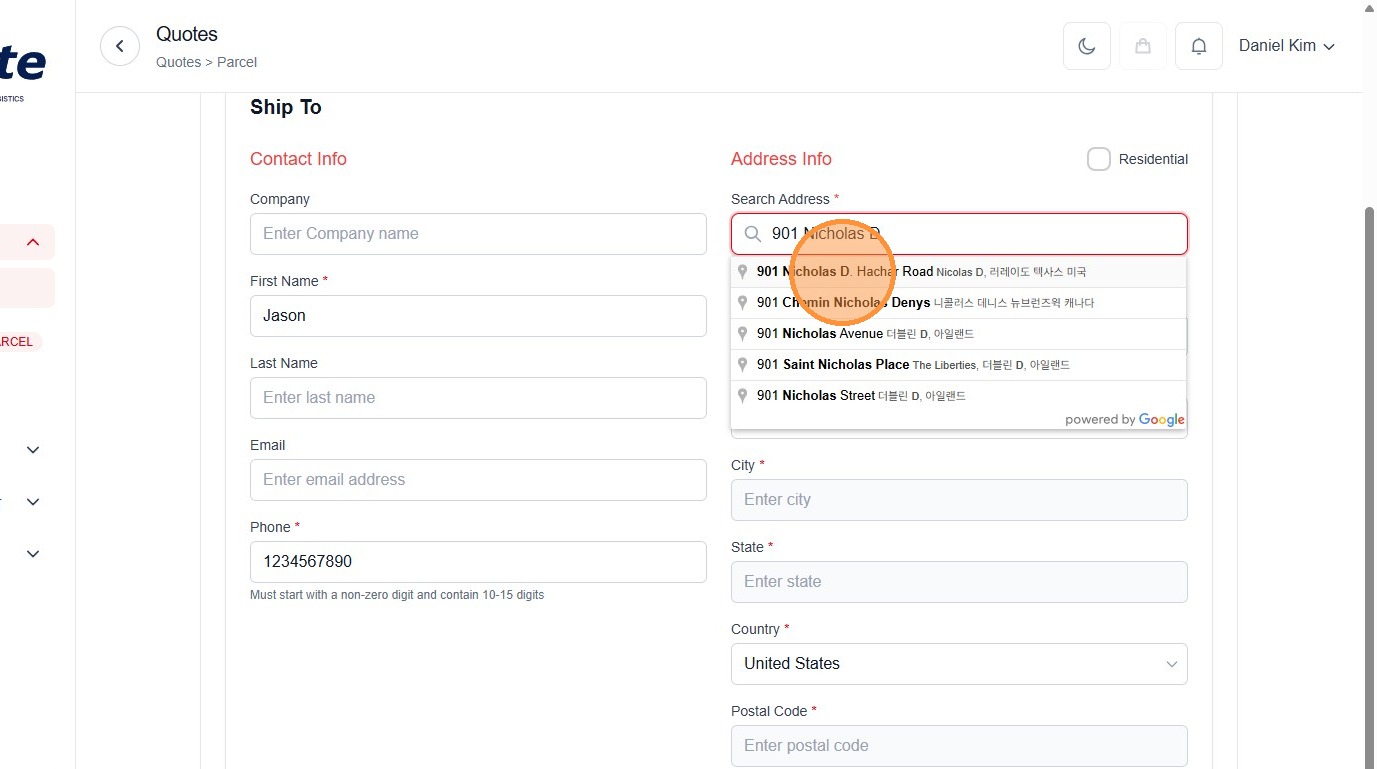
22. Click "Verify Address"
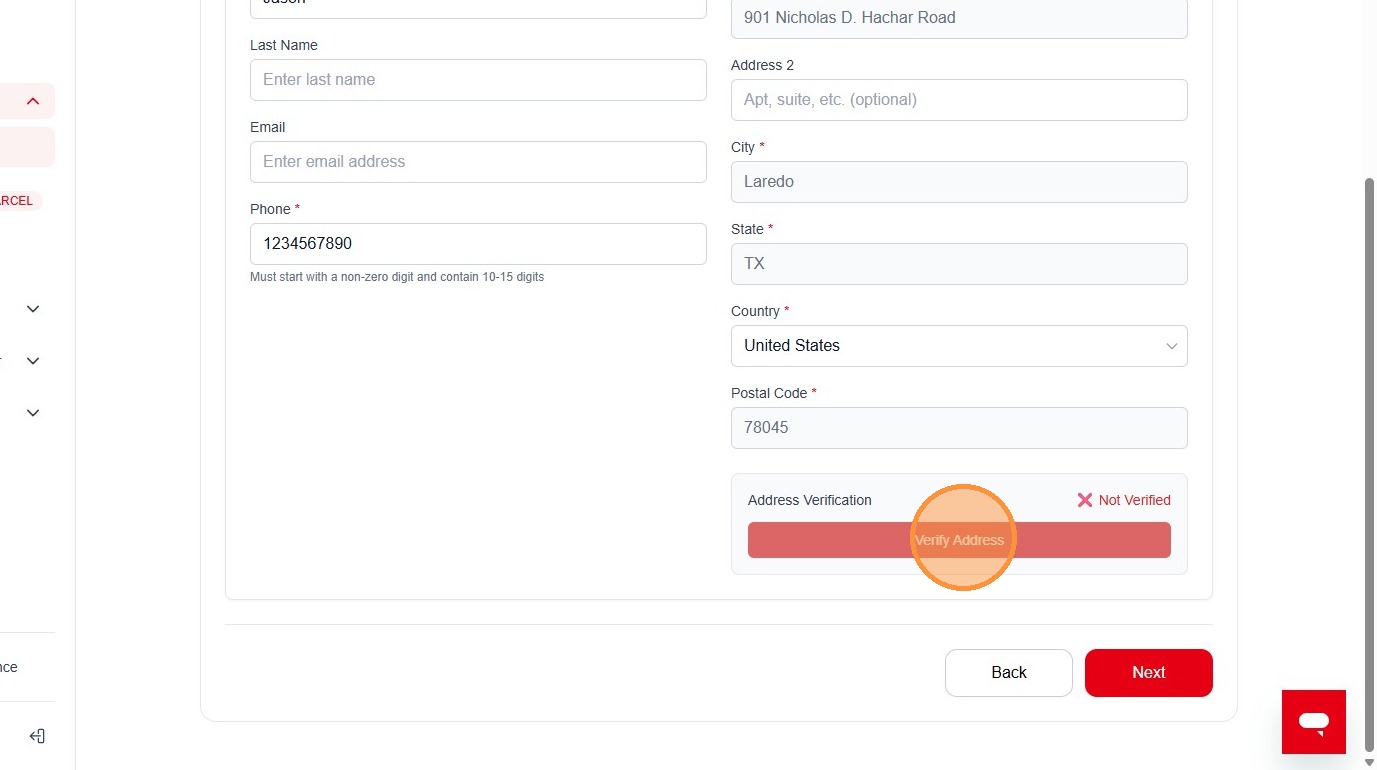
23. Click "Use Suggested"
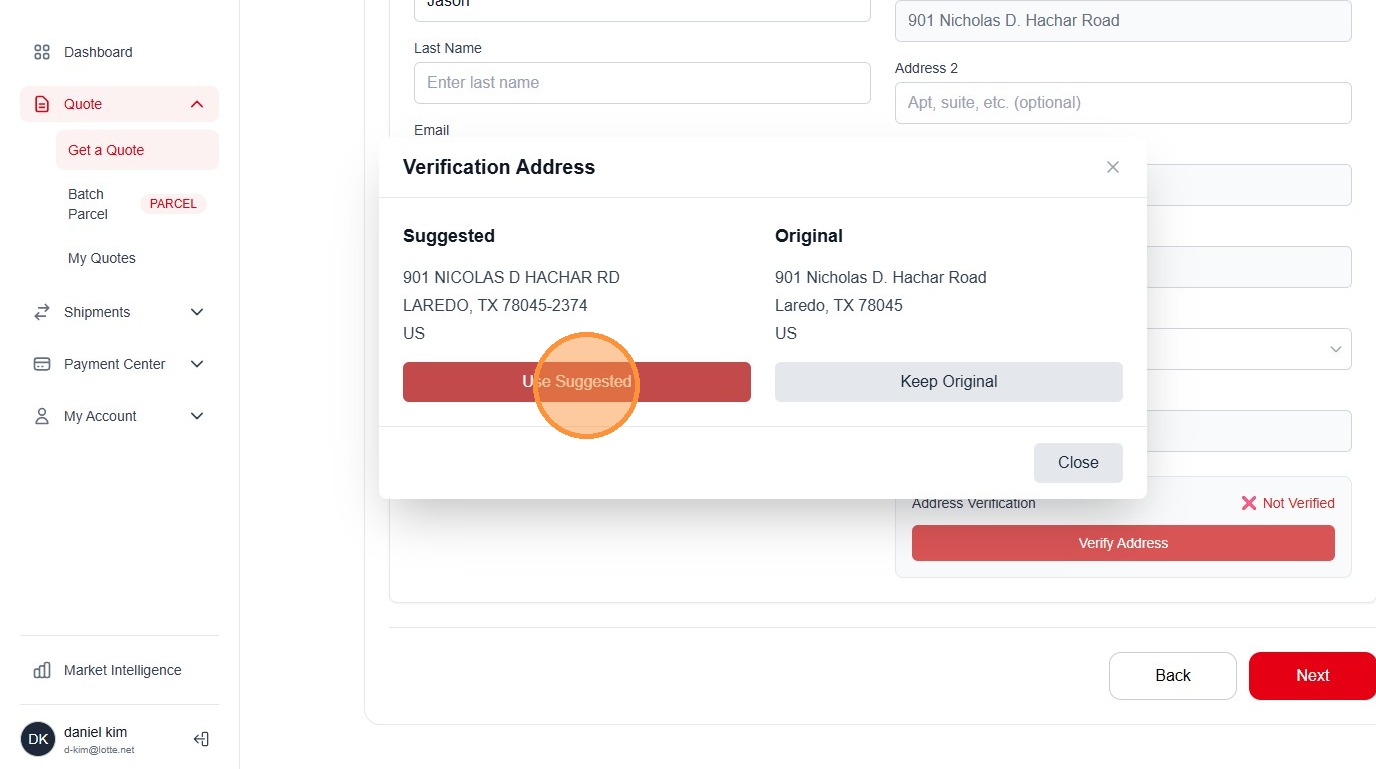
24. Click "Next"
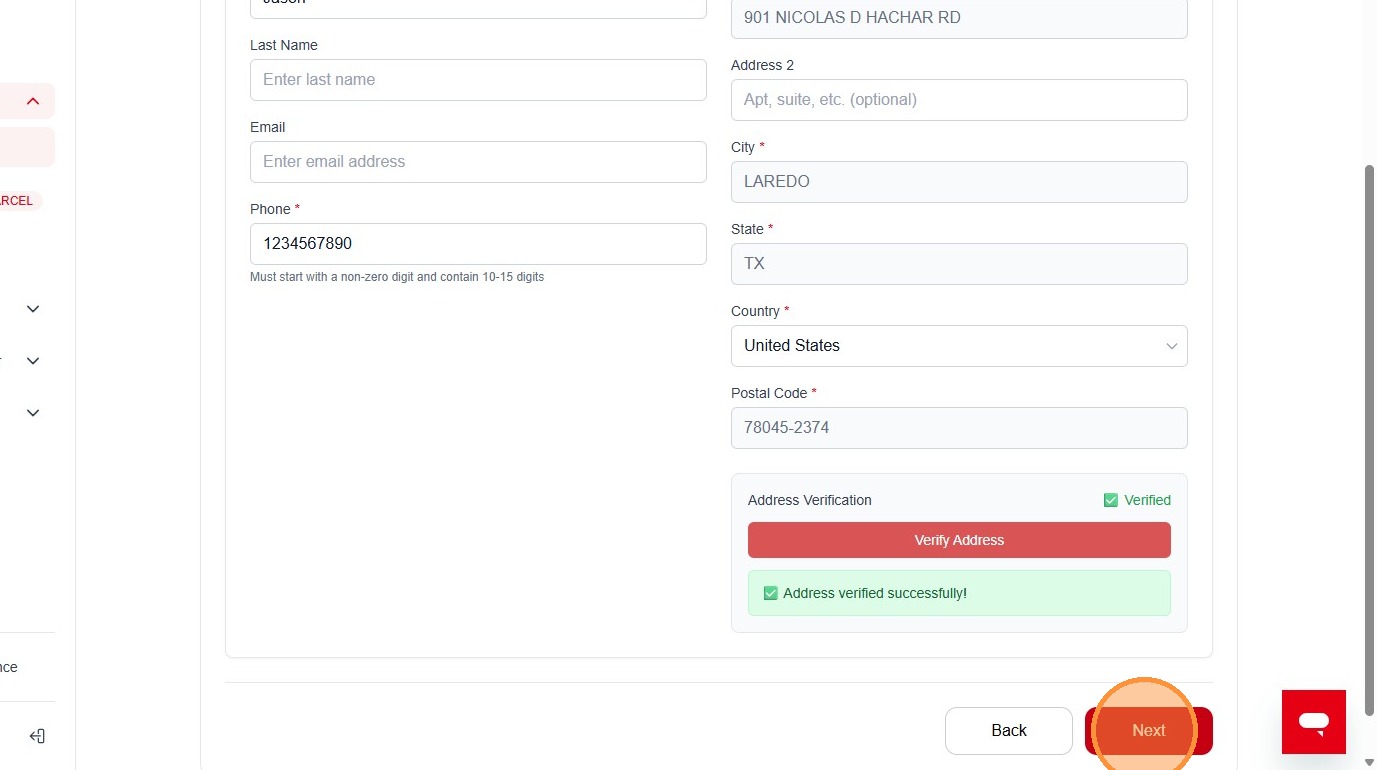
25. Click "Input Dimension"
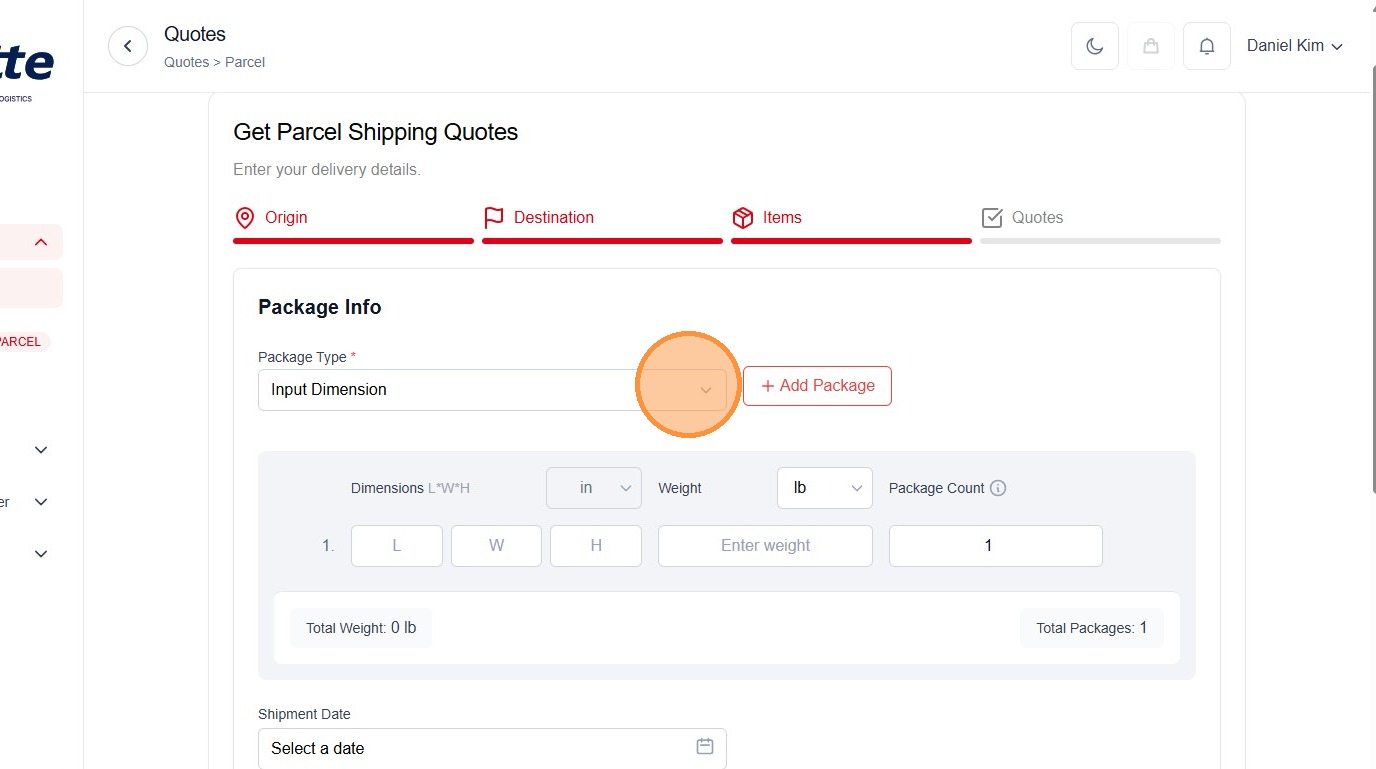
26. Click "Input Dimension"
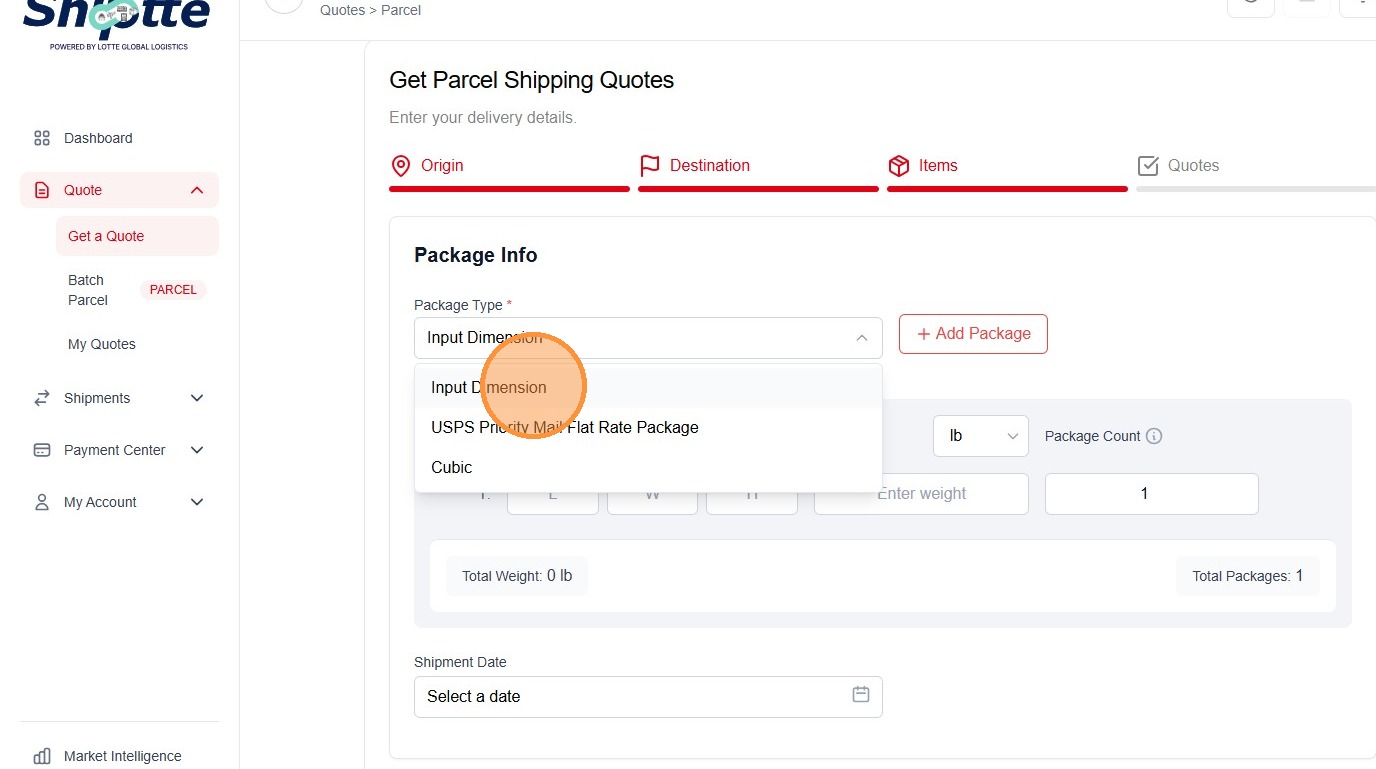
27. Click the "L" field.
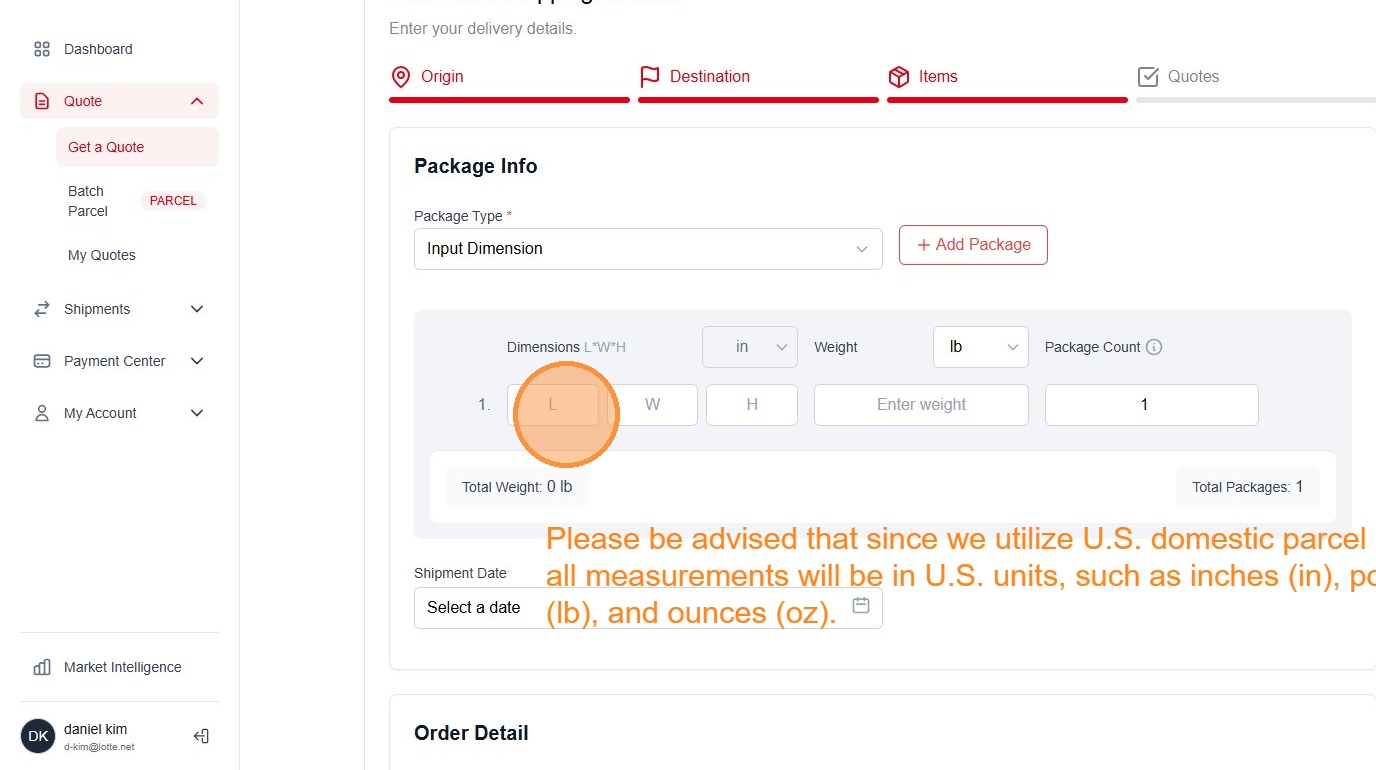
28. Type "16"
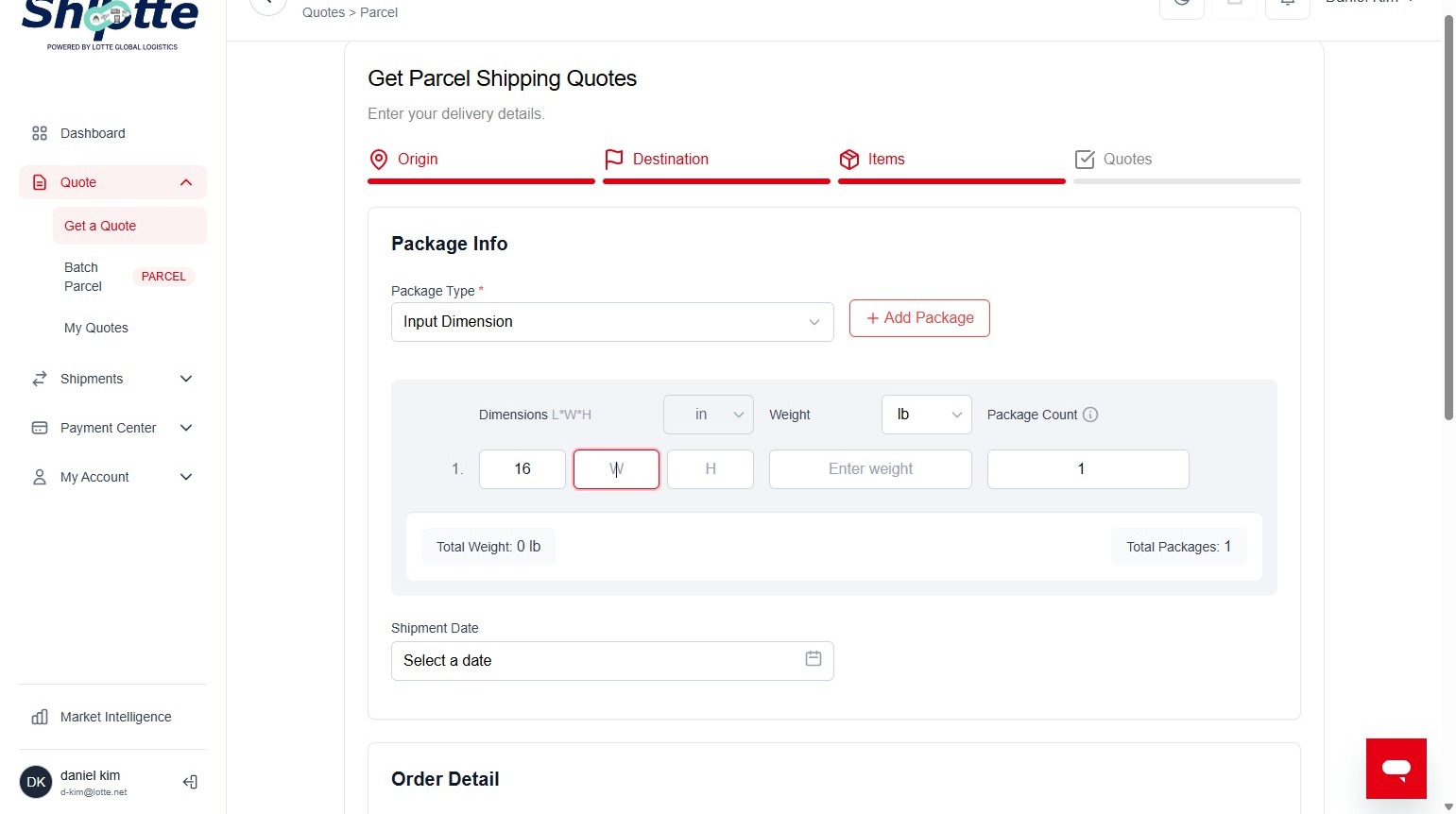
29. Click the "W" field.
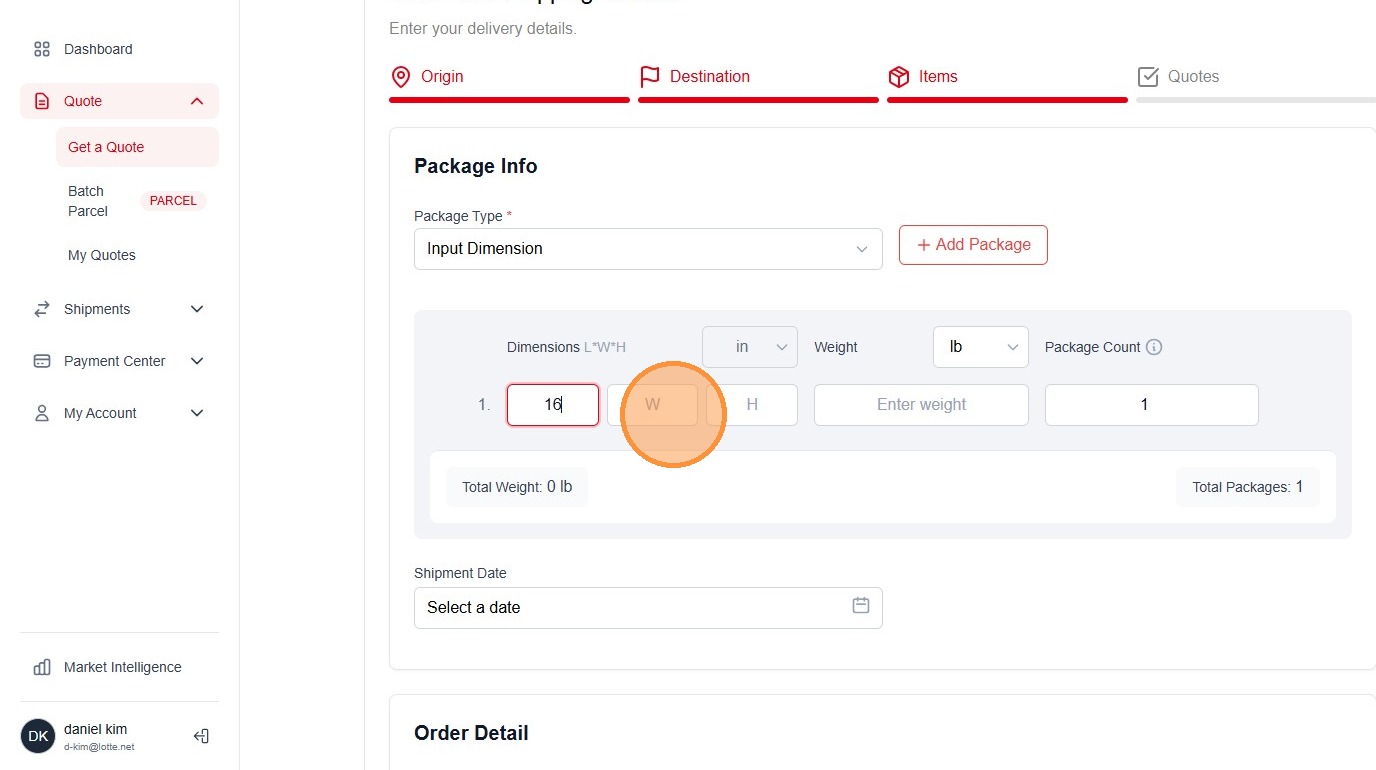
30. Type "14"
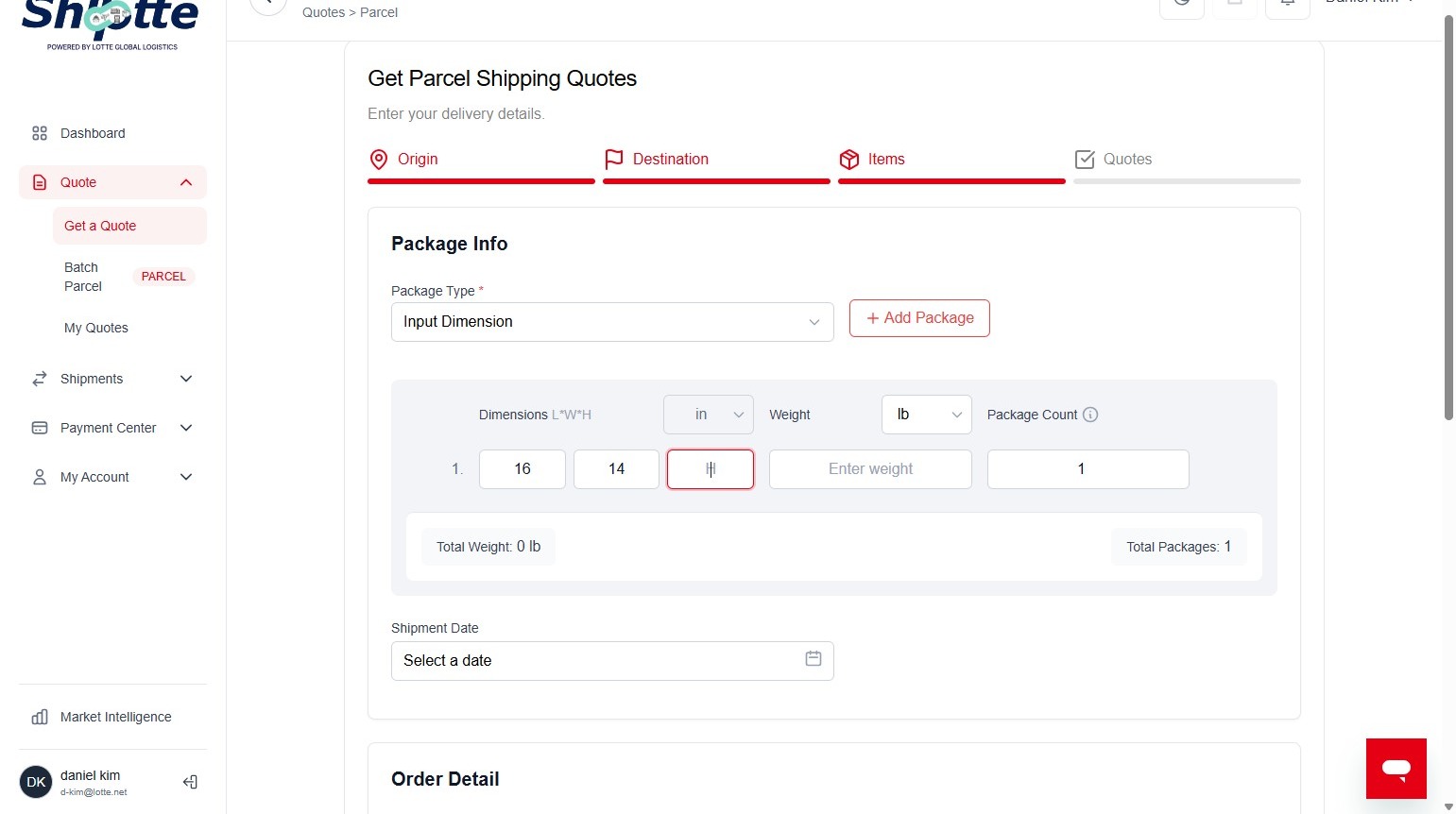
31. Click the "H" field.
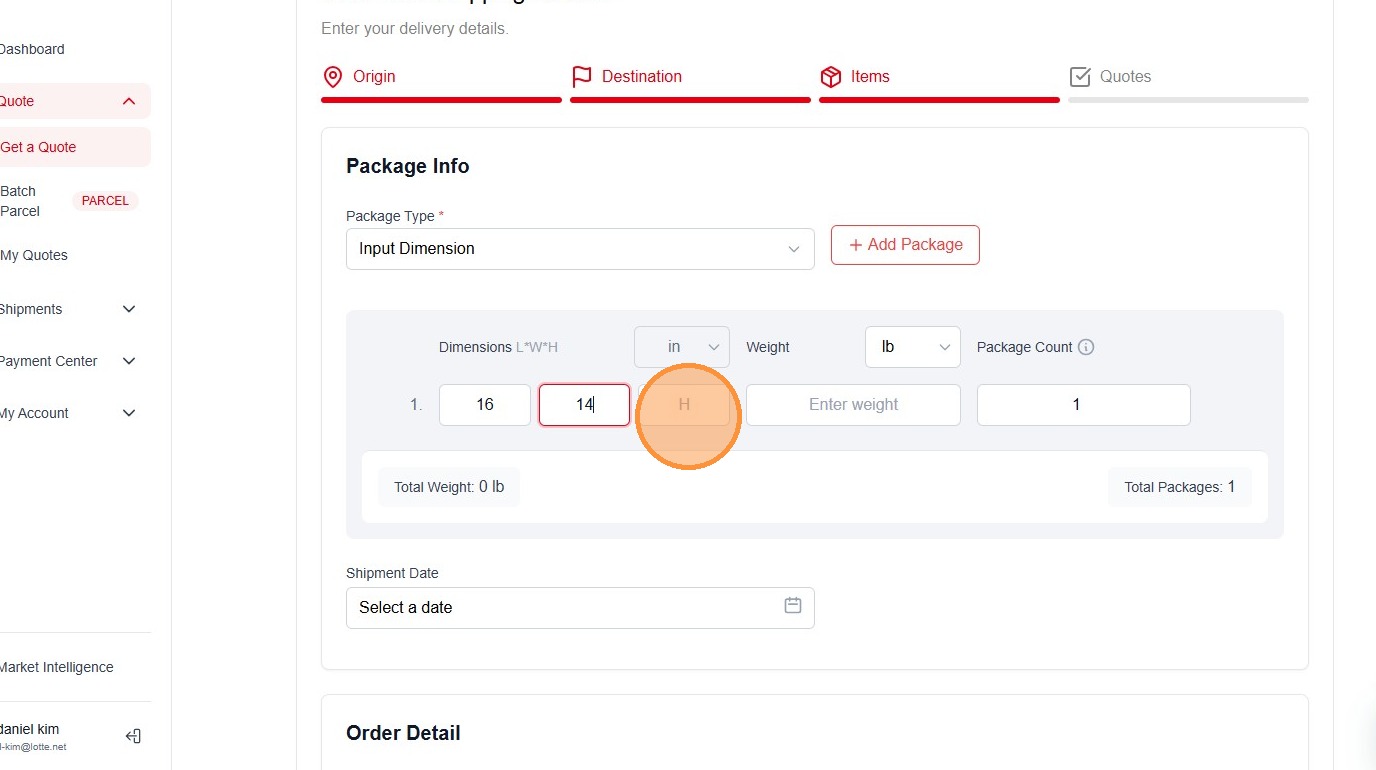
32. Type "16"
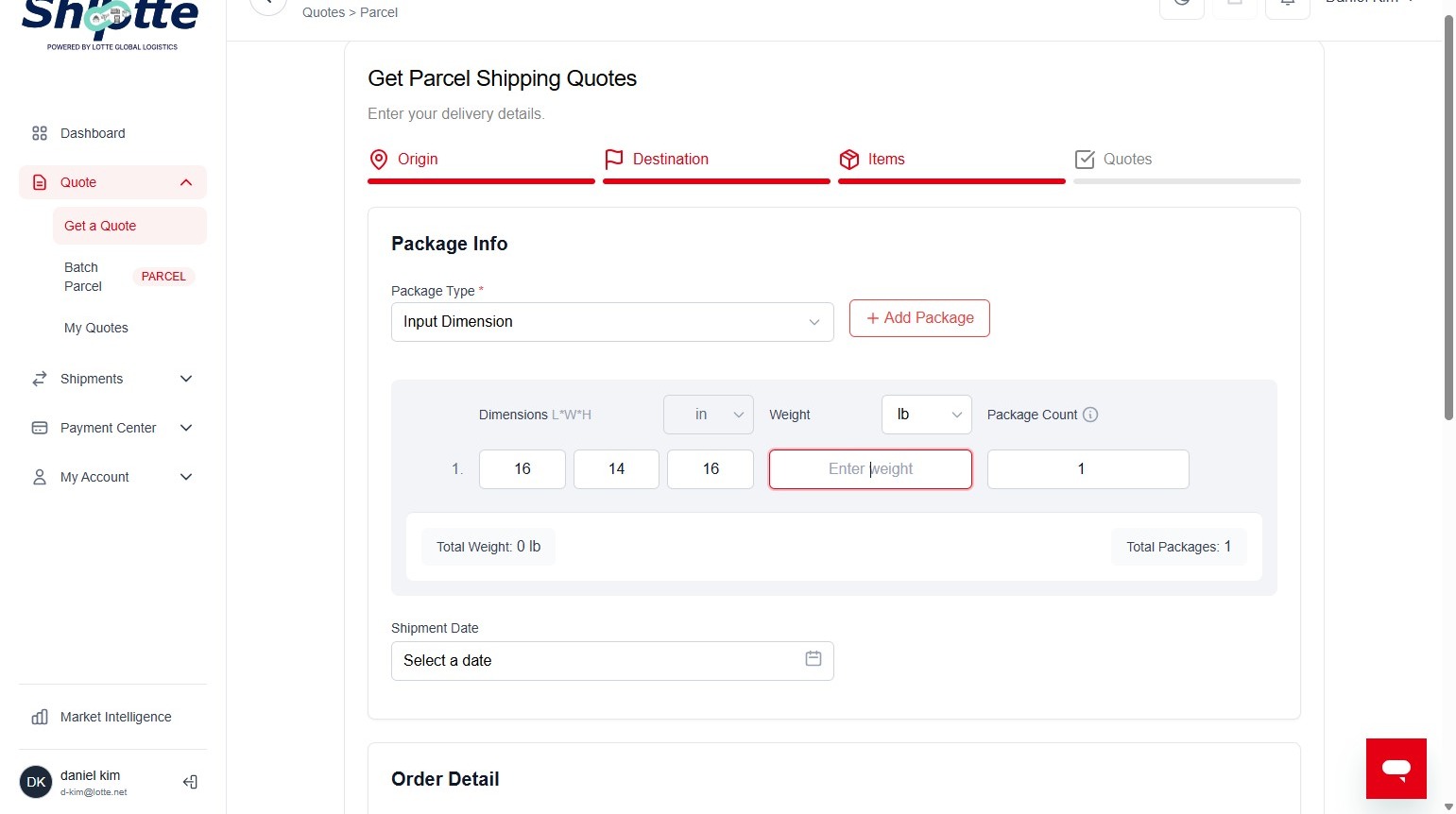
33. Click the "Enter weight" field.
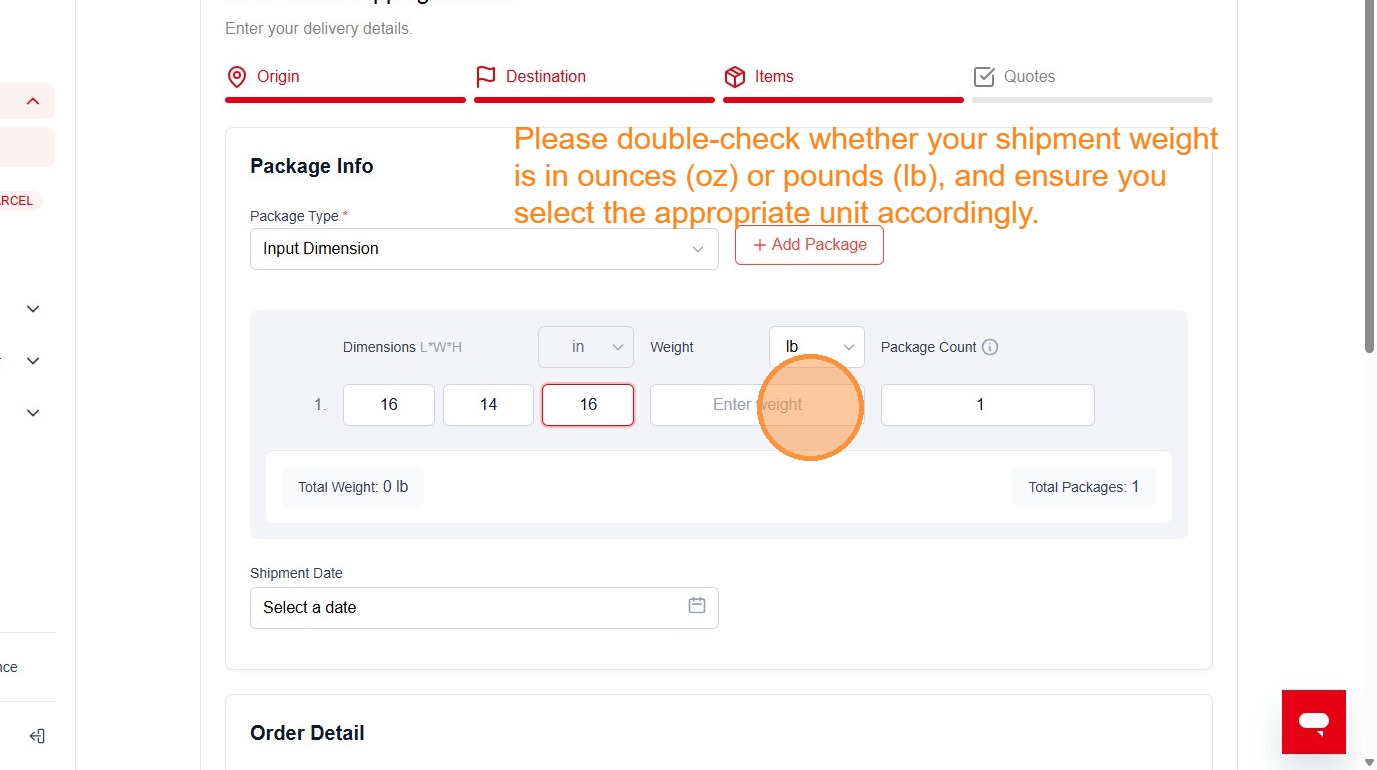
34. Click this dropdown.
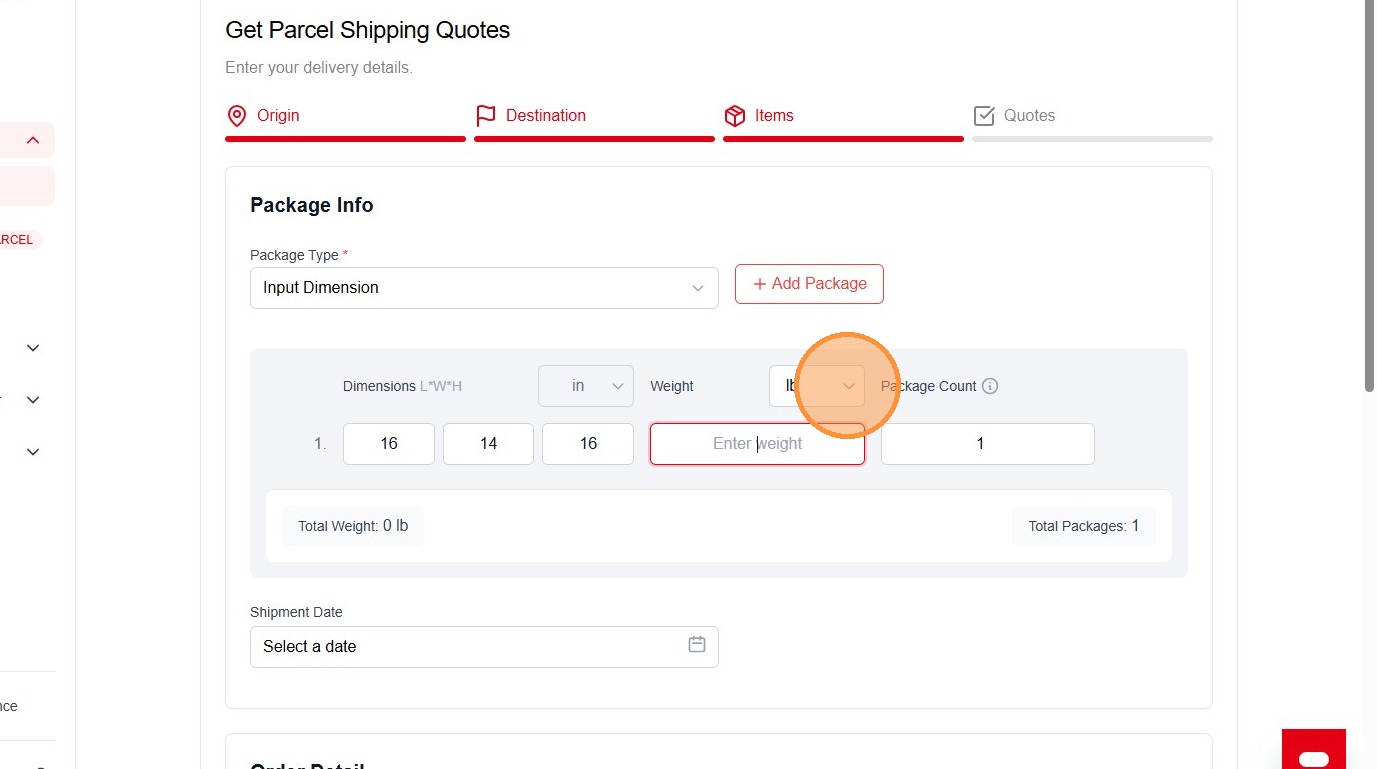
35. Click the "Enter weight" field.
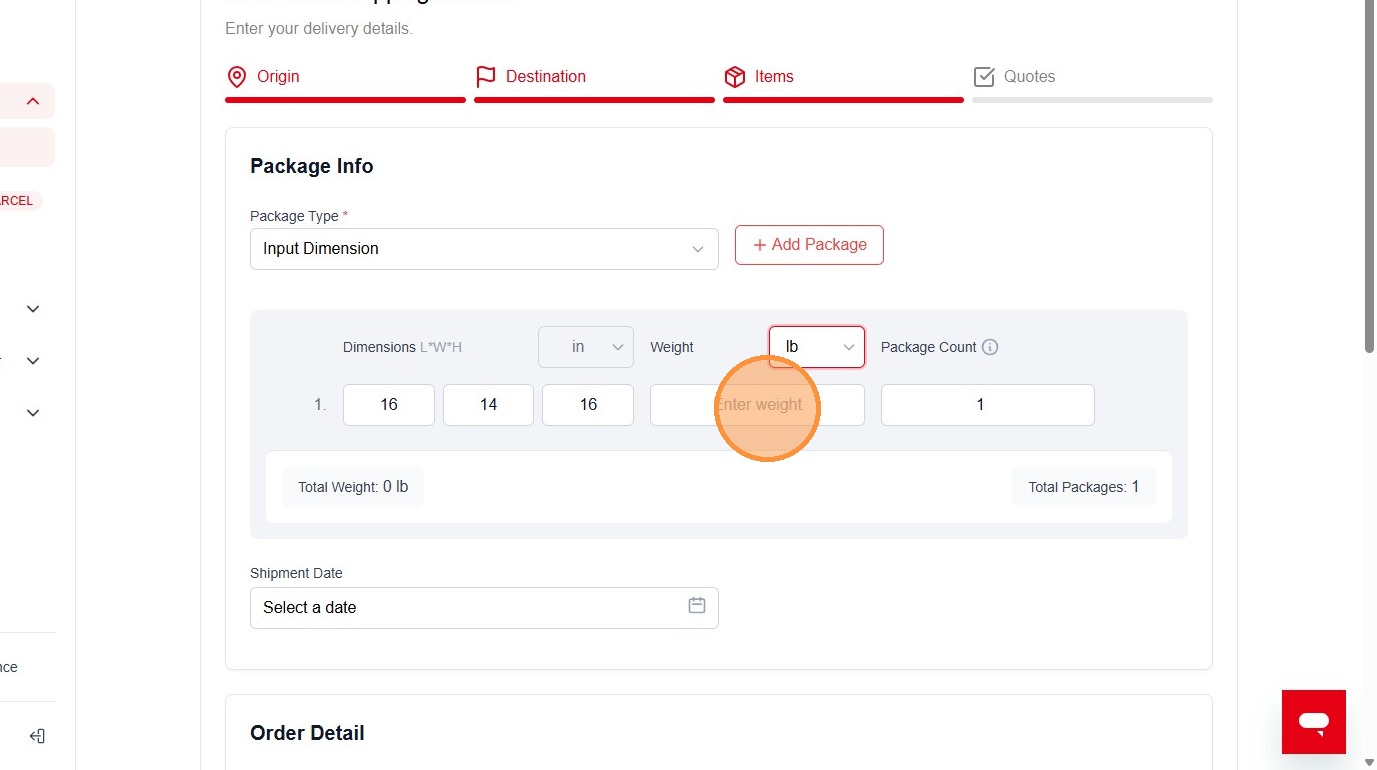
36. Type "15"
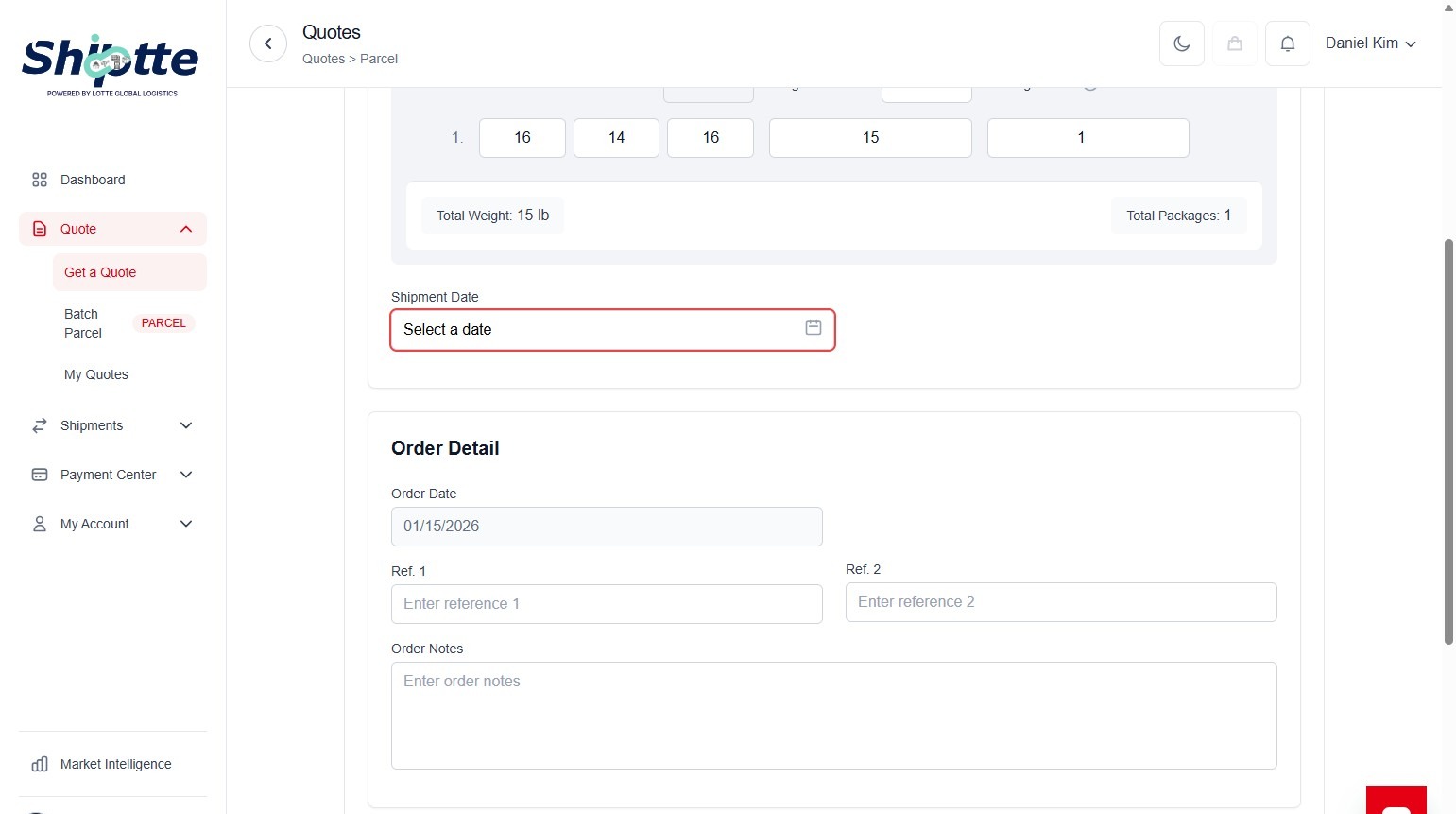
37. Click "Select a date"
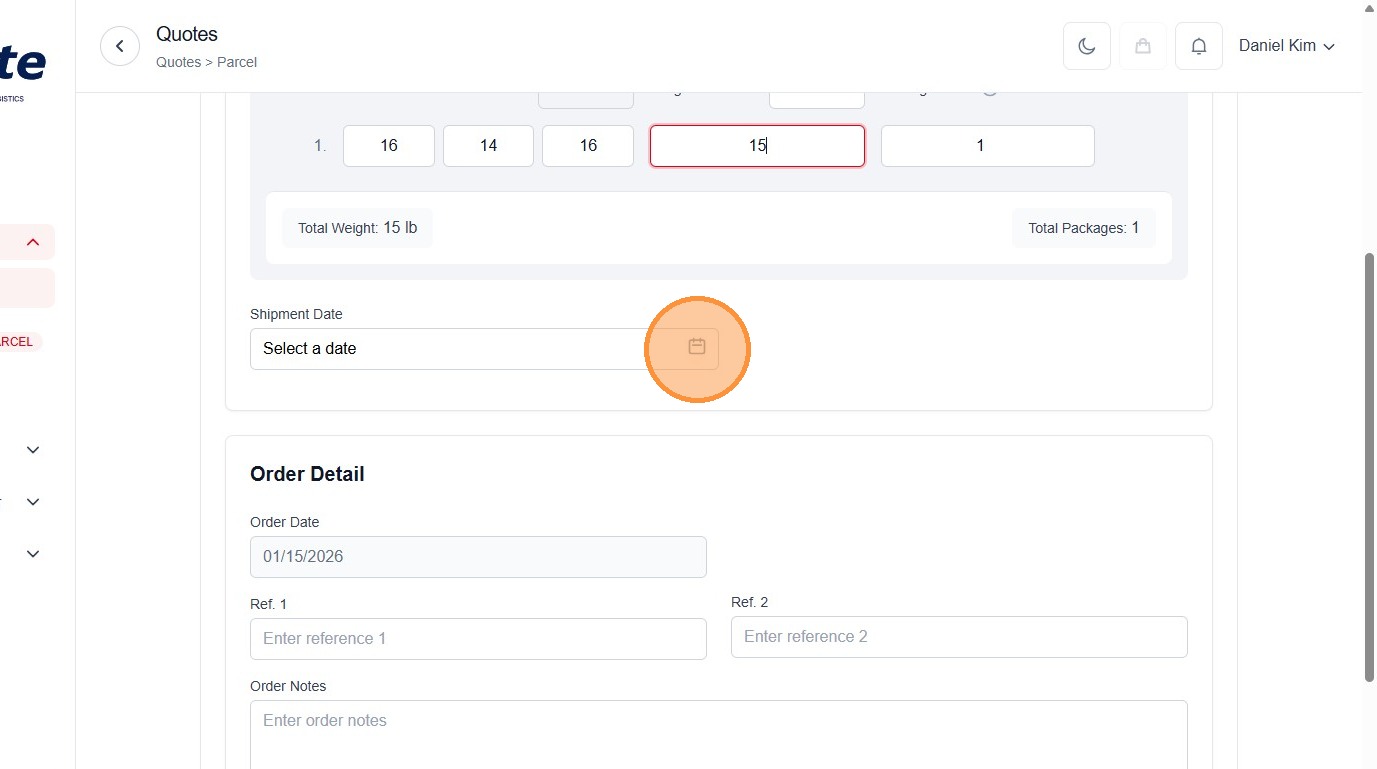
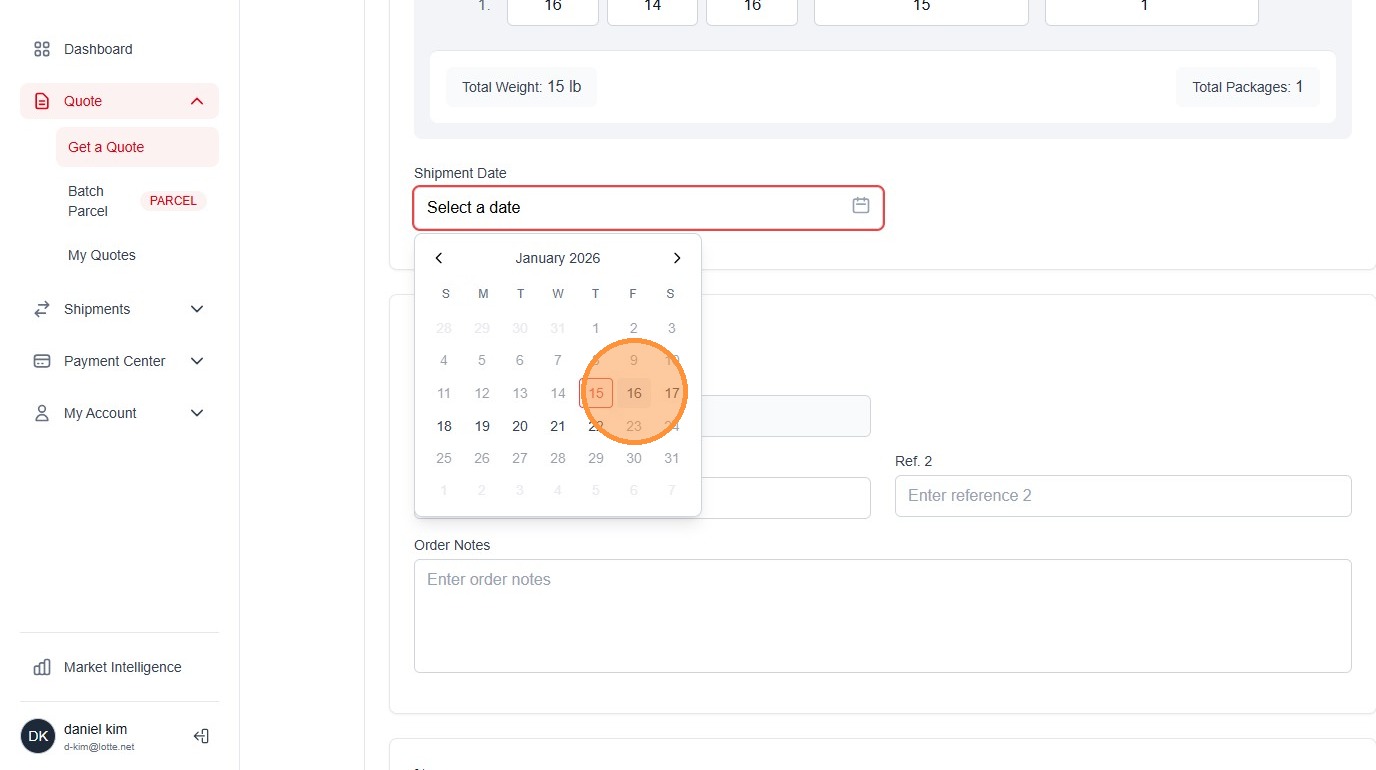
38. Click "16"
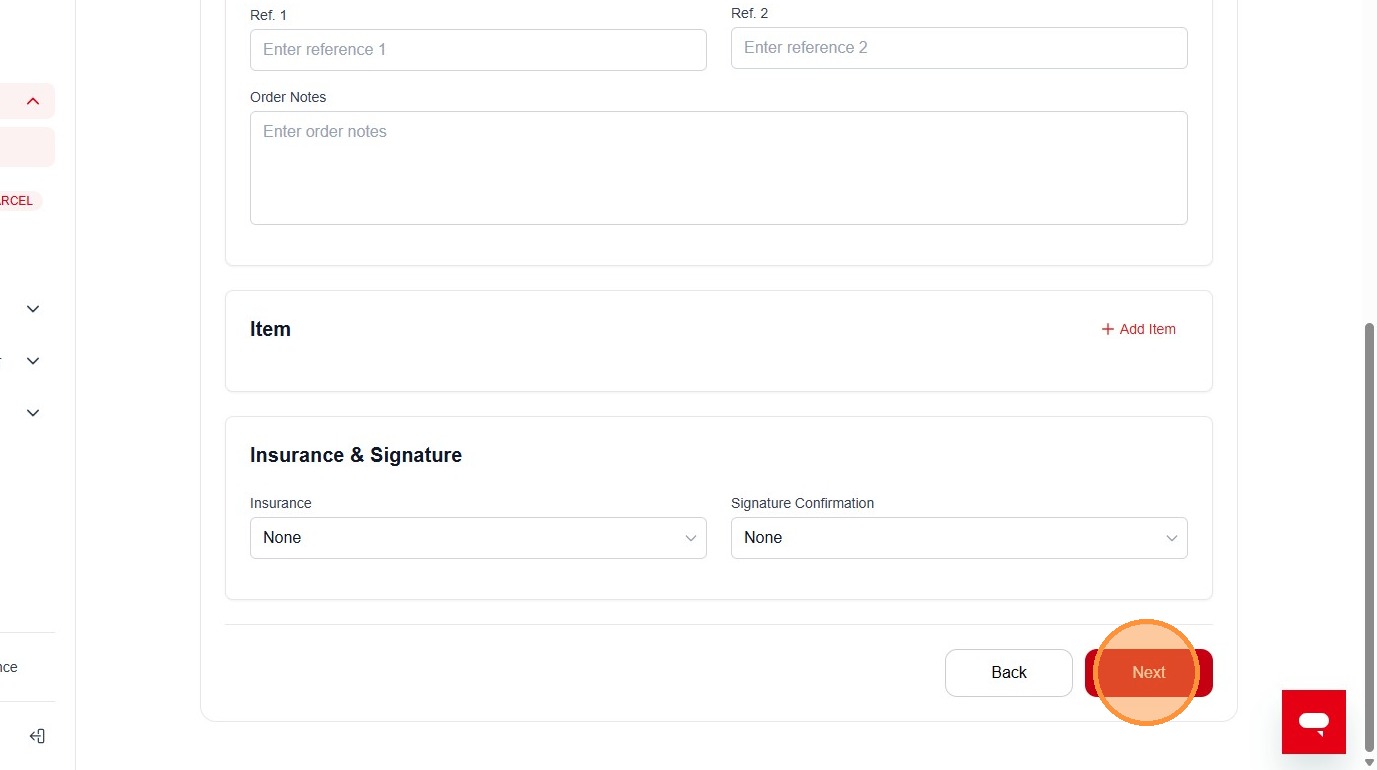
39. Click "Next"
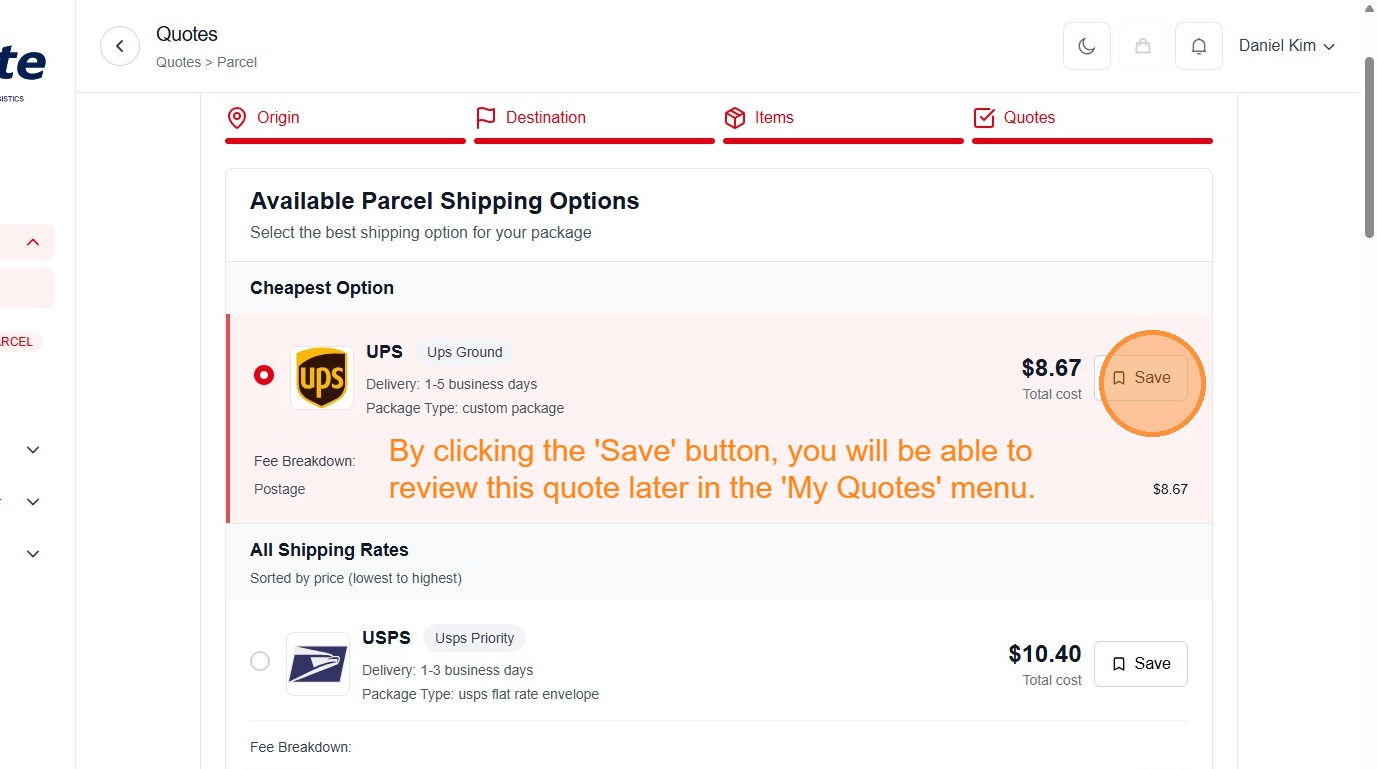
40. Click this radio button.
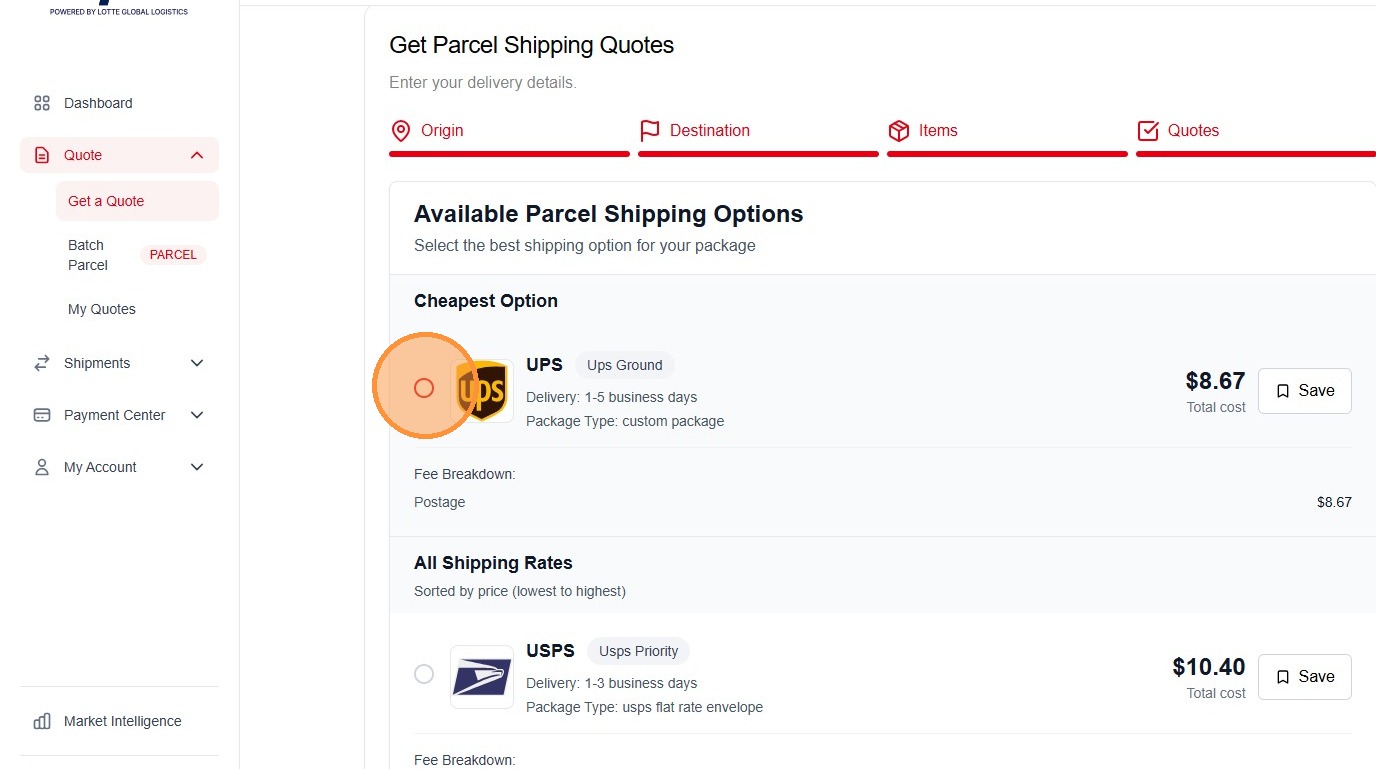
41. Click "Save"
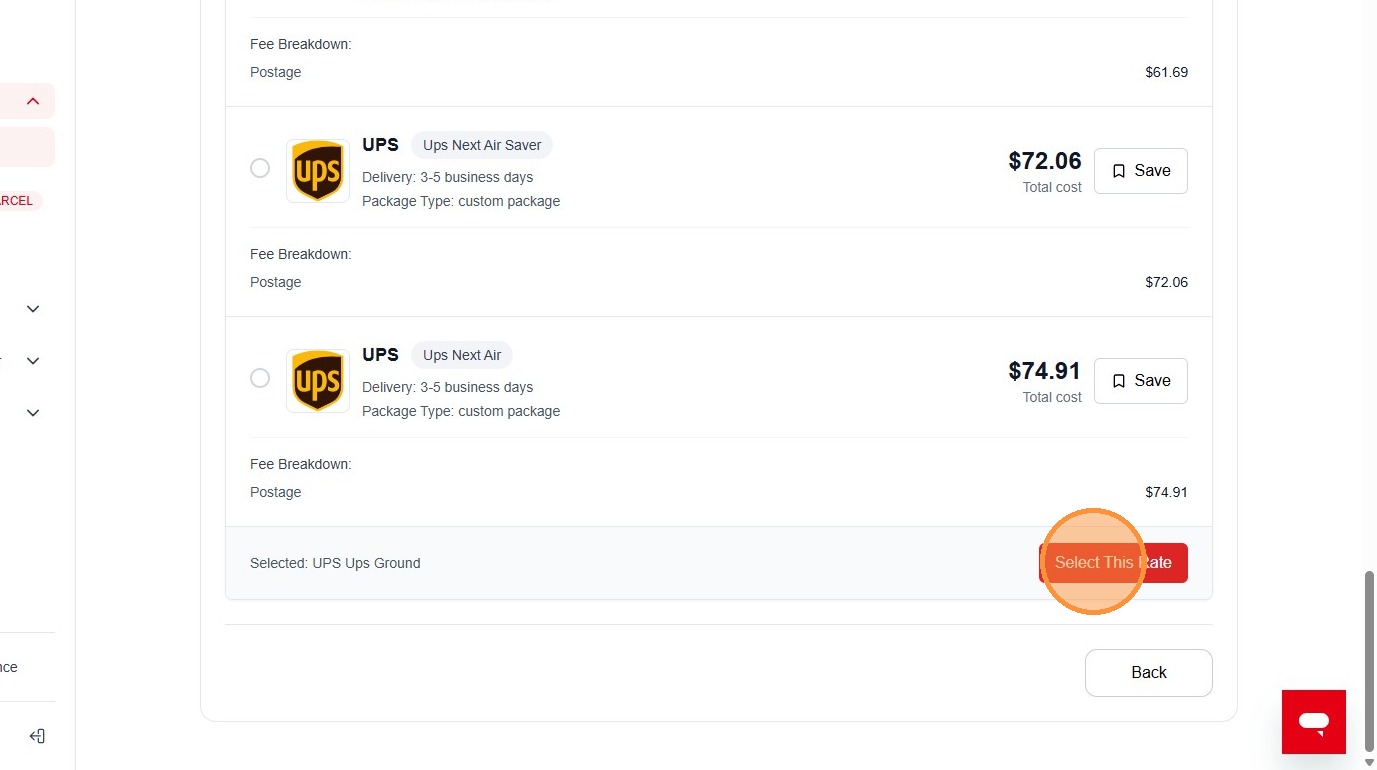
42. Click "Select This Rate"
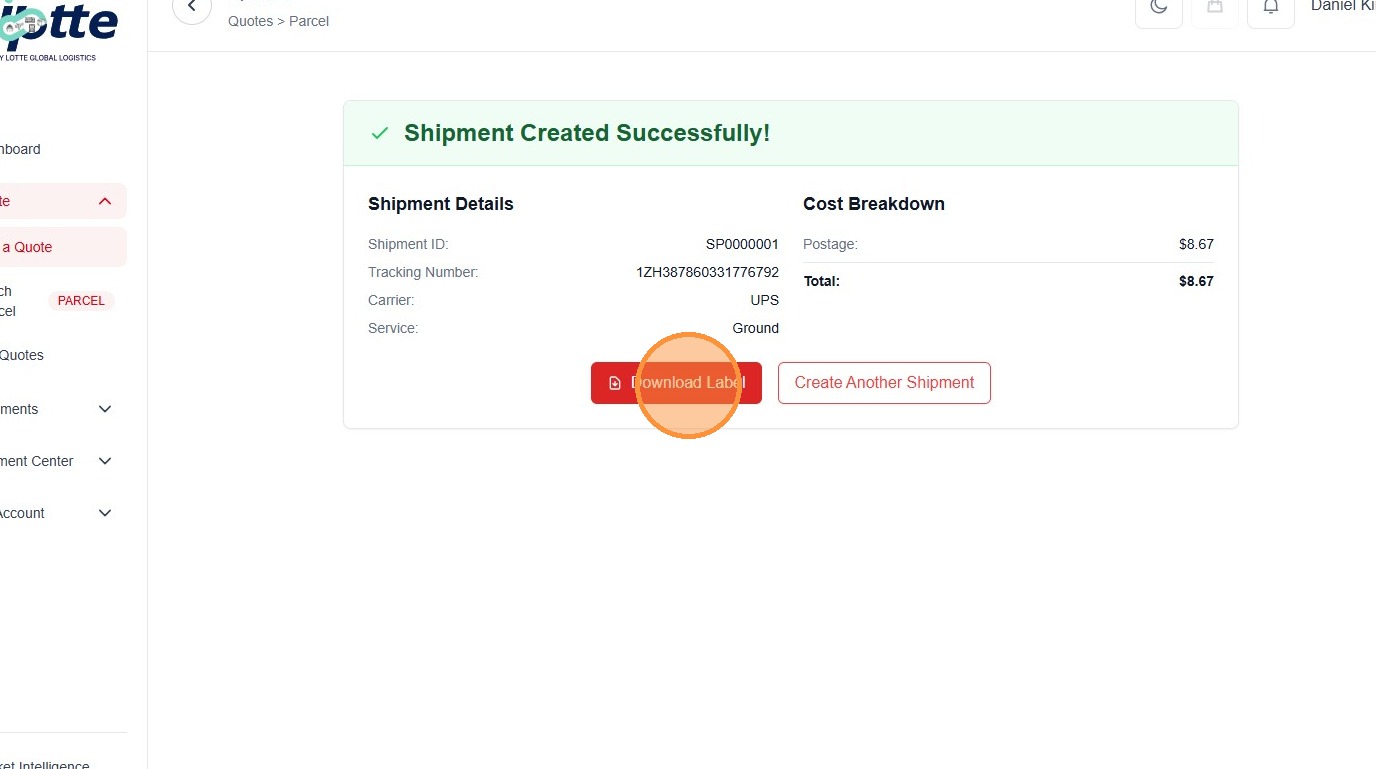
43. Click "Download Label"
Made with Scribe
Comments
0 comments
Please sign in to leave a comment.